1
Receive
Capture invoices from your input channels.

MISSION 04 / E-INVOICE
Turnkey invoice processing – modular and connected to your ERP system.
Capture invoices from your input channels.
Check automatically and compare with ERP data.
Resolve discrepancies and approve.
Transfer approved data to your ERP system.
 Search …
BUSINESS SOLUTION INVOICE
The interface, workflows and database are included as standard. We configure the solution for your processes.
All relevant information in one place.
Flexibly configurable workflows.
Clear assignment and tracking.

Capture invoice emails and archive them centrally.
Discover module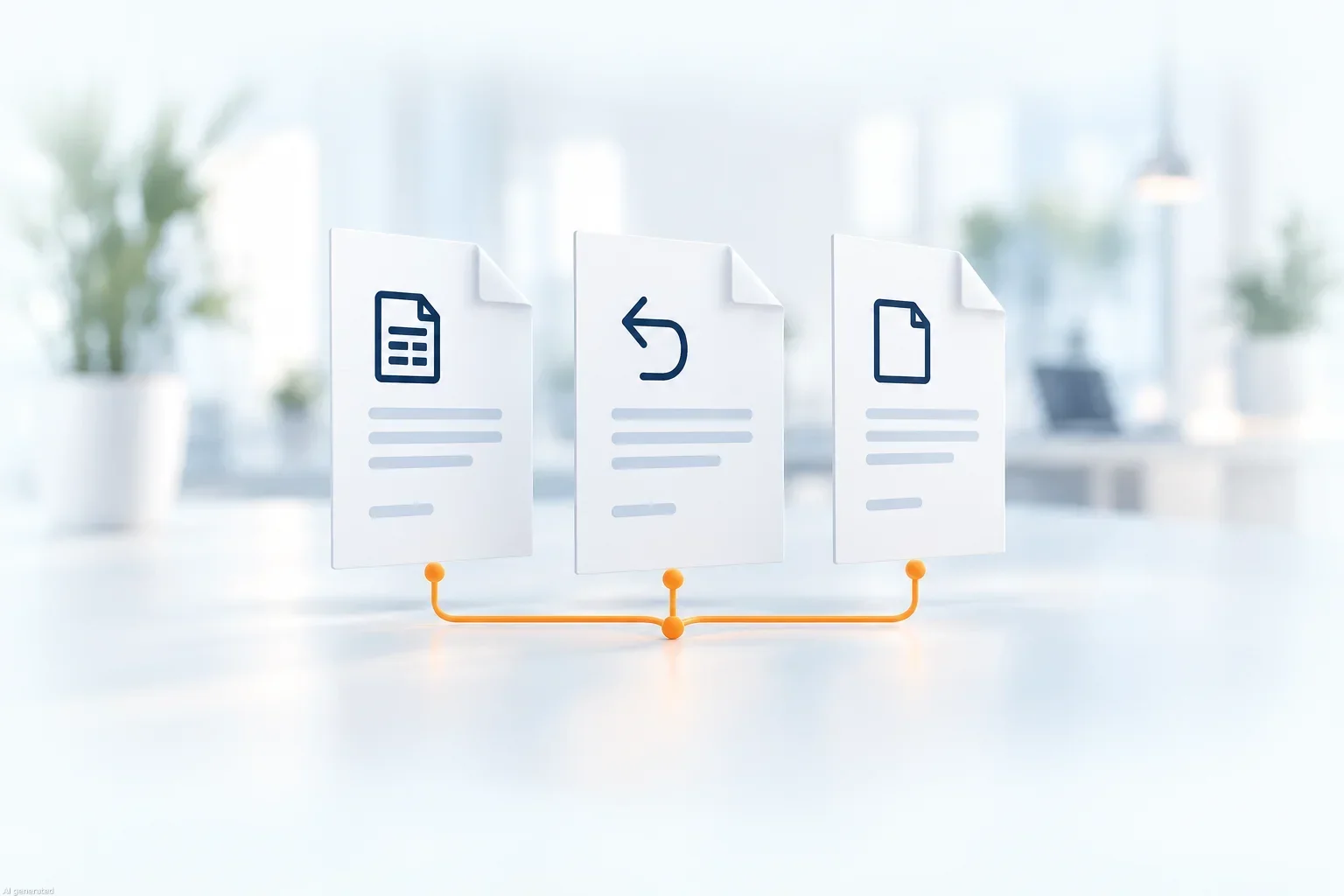
Recognise invoices and assign them to the right process.
Discover module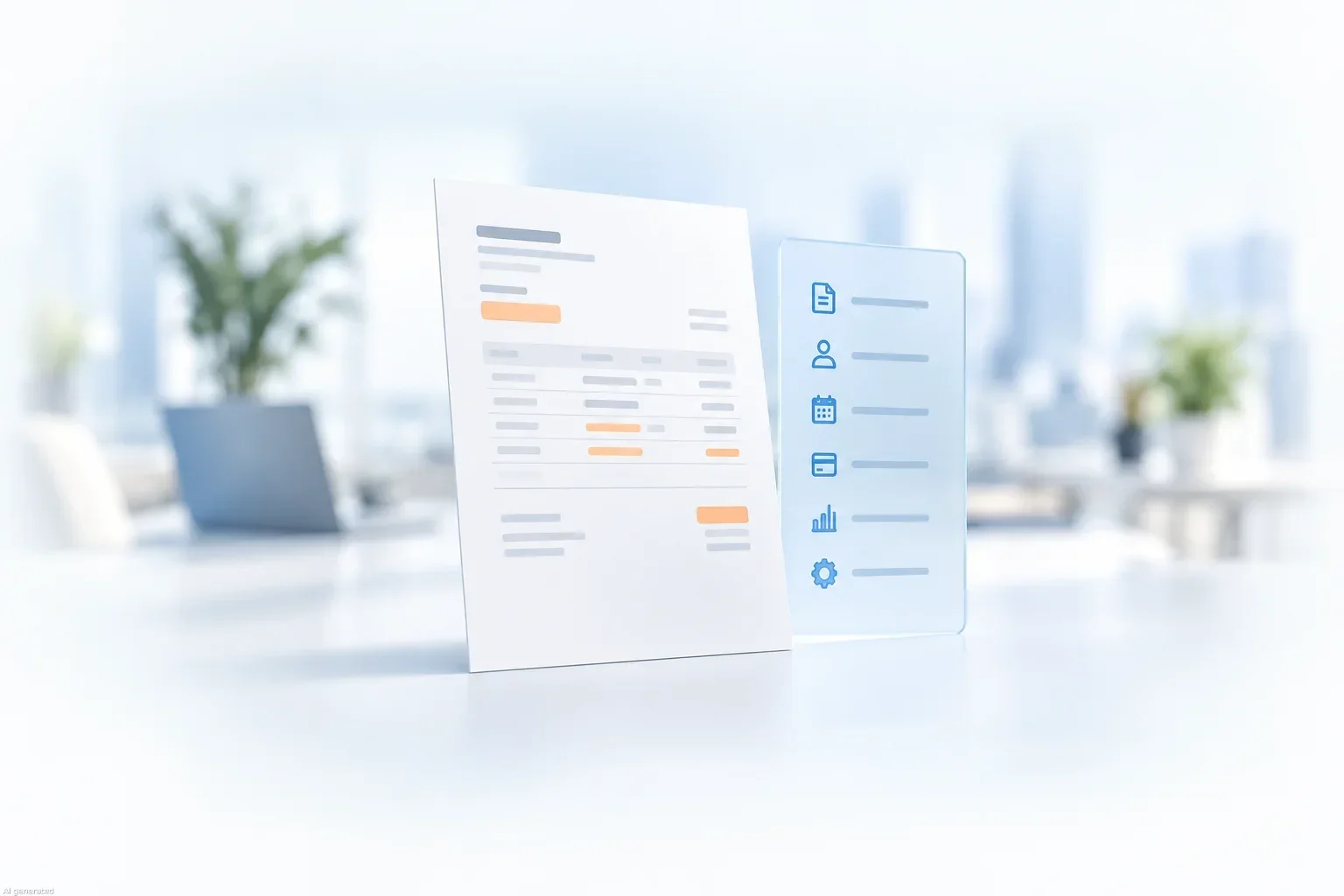
Extract invoice data and provide it for review.
Discover moduleYour input channels and requirements determine which modules you need.
Plausibility checks and rule validation.
Check master data, orders and accounts.
Automatic assignment to the right people.
Transparent approval processes through to ERP transfer.
We tailor checking rules, responsibilities and data comparisons to your process.
HEROcloud
With HEROcloud, we provide the operational foundation for a swift introduction.

ERP MODULE
Include master data and transfer approved invoice data through the agreed interface.
GOOD TO KNOW
No. Business Solution Invoice forms the foundation. We add the modules that match your requirements.
We review your ERP, available interfaces and required data. We then align master data comparisons and the transfer of approved invoice data.
Discrepancies are routed to the responsible people according to your rules. Reviews, queries and approvals remain traceable in the workflow.

We plan your turnkey solution – from invoice receipt to ERP integration.