Free
Inputs are used to train the models by default until you switch it off. No data processing agreement, no administration. Unsuitable for company data.
Is ChatGPT GDPR compliant? Which version suits companies, which settings you need, what employees should never enter and when your own company AI is the better choice.
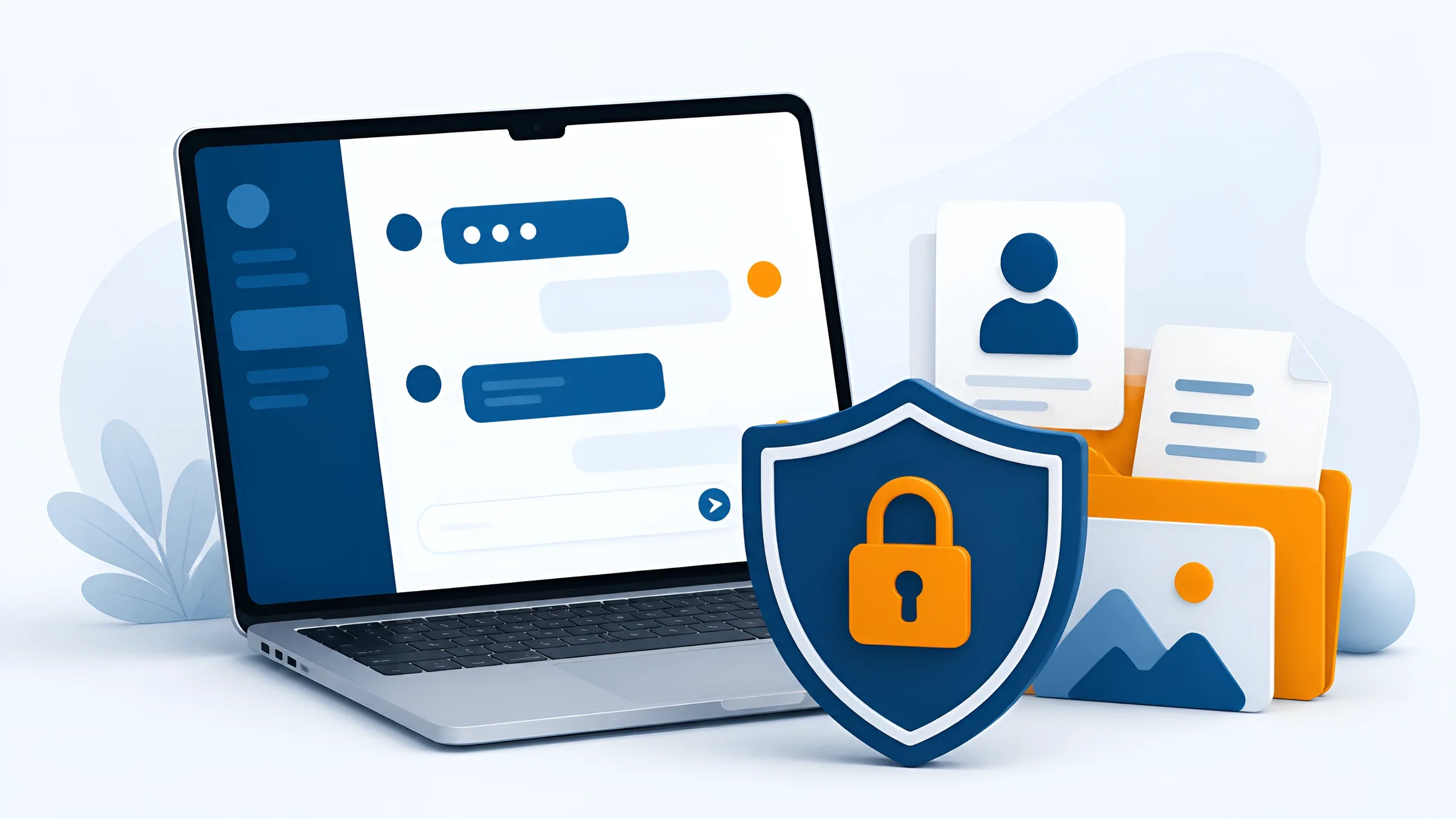
A colleague copies a customer contract into ChatGPT. She only needs a short summary. The answer arrives in seconds. The contract now sits on the servers of a provider in the USA. Management knows nothing about it. This is exactly where ChatGPT data protection begins.
The good news: ChatGPT is not banned in companies as such. The bad news: with a personal account and no rules, you quickly end up outside the GDPR. In this guide you will learn which version fits and which ChatGPT privacy settings you need. Plus: what the law says and when your own company AI is the safer solution.
At DOCSHERO® we have been supporting mid-sized companies with document management for more than 20 years, and now also with the introduction of AI. In our AI guide we collect what we recommend to companies – here is everything about ChatGPT.
As of October 2026. All information about OpenAI is based on the provider’s public statements and the sources listed below.

DOCSHERO® / AI potential
How much time & money could you save with AI right away?
Enter your website and secure a no-obligation initial call. We look at your company beforehand and show you exactly which tasks an AI can take over – with your data kept in-house.
We do not store your entry – the logo is loaded via Google.


The short answer
The honest answer: it depends on the version, the contract and the data.
ChatGPT is not GDPR compliant by itself – but you can use it in a GDPR-compliant way. Three conditions must be met:
If one of these points is missing, the use is risky. The question “Is ChatGPT safe?” therefore has no simple yes or no. It only becomes safe through the organisation around it. This is exactly where we at DOCSHERO® support you: in an AI potential analysis we work out together which tasks you can handle well with ChatGPT and where your own solution makes more sense.
30 days
This is how long OpenAI keeps deleted and temporary chats on its systems before removing them permanently – unless a legal obligation requires longer retention.
Source: OpenAI, data retention information
Data processing
Before you talk about contracts, you should understand what actually happens when you type.
Everything you enter into ChatGPT is processed on OpenAI’s servers. This includes:
Your contractual partner in Europe is OpenAI Ireland Ltd. However, much of the processing takes place in the USA. Only with ChatGPT Enterprise, ChatGPT Edu and eligible API projects can you have data stored in Europe, since February 2025. Since January 2026, OpenAI has also offered eligible Enterprise customers the option to compute answers on hardware in Europe.
A lesson from 2025: In its lawsuit with the New York Times, OpenAI had to retain deleted chats of consumer users from May to September 2025. This shows that a provider’s deletion promises can be suspended by court orders. If you hand confidential data to someone else’s system, you no longer keep full control of it.
In everyday terms: treat every input into ChatGPT as if you were sending it to an external service provider. Because that is exactly what happens. If you manage your documents centrally in an ECM system with clear permissions, you at least know which documents are confidential and who is allowed to see them. At DOCSHERO® we set up permission concepts like this in ELO projects – so that an AI later only sees what it is allowed to see.
Versions compared
The most important difference is not in the features but in how your data is handled.
Inputs are used to train the models by default until you switch it off. No data processing agreement, no administration. Unsuitable for company data.
More power, but the same as the free version for data protection: training is on by default and there is no data processing agreement. ChatGPT Plus is a personal account, even if the company pays the bill.
Formerly “Team”. Your data is not used for training by default, a data processing agreement is available and admins manage members centrally. The entry point for small and medium-sized teams.
Like Business, plus single sign-on, extended admin rights, configurable retention periods and the option to store and process data in Europe.
For your own applications. Data is not used for training and a data processing agreement is available. Data protection quality depends heavily on how the application is built.
This leads to a simple rule: ChatGPT Plus and data protection in companies do not go together as soon as personal or confidential data is involved. Data protection is much better regulated in ChatGPT Business because the contract, administration and training exclusion are in place. ChatGPT Enterprise additionally offers storage in Europe and more control for IT.
But even with Business or Enterprise, OpenAI remains an external provider in the USA. Whether that is enough for your data depends on what you process. For marketing copy, usually yes. For personnel files, health data or engineering documents, rather not. This data belongs in an environment whose location you decide yourself: your own IT infrastructure or an cloud from Germany, as we operate it with HEROcloud. By the way, the same questions arise with Microsoft Copilot data protection as soon as your team uses AI in Microsoft 365.

Legal situation
The GDPR applies to ChatGPT just as it does to any other software you use to process personal data.
As soon as a name, an email address, a customer number or a photo appears in a prompt, you are processing personal data. Then the obligations of the GDPR apply:
Legal basis (Art. 6 GDPR): Every processing operation needs a legal basis, such as performance of a contract or legitimate interest. For special categories such as health data (Art. 9 GDPR), the hurdles are much higher.
Data processing (Art. 28 GDPR): OpenAI processes the data on your behalf. This requires a data processing agreement. OpenAI offers it for Business, Enterprise and the API, not for Free, Plus or Pro.
Third-country transfers (Art. 44 et seq. GDPR): Data goes to the USA. To our knowledge as of October 2026, OpenAI is not certified under the EU-US Data Privacy Framework. The transfer therefore relies on standard contractual clauses, and you should document a transfer impact assessment. Check the current status yourself in the official DPF list, as it can change.
Record of processing activities (Art. 30 GDPR): The use of ChatGPT belongs in your record, with purpose, data categories and recipients. If you already manage documents with audit-proof archiving and fixed retention and deletion periods, part of this documentation is already done.
Data protection impact assessment (Art. 35 GDPR): If you use ChatGPT for applicant data, performance reviews, health data or on a large scale, an impact assessment is probably mandatory.
Information obligations (Art. 13 and 14 GDPR): Customers, applicants and employees must be told that their data is processed with AI.
The German supervisory authorities provide guidance. The Data Protection Conference (DSK) published guidance on AI and data protection in May 2024. In June 2025 it followed up with guidance on technical and organisational measures for AI systems. Both are a good basis for your internal review. If you would rather not go through it alone, we at DOCSHERO® are happy to review the use case together with you and your data protection officer.
Italy shows that authorities are watching closely: the Italian data protection authority Garante fined OpenAI 15 million euros in December 2024. A court in Rome overturned the fine in March 2026. The proceedings concerned OpenAI itself. As a company, you nevertheless remain responsible for your own inputs.
If employees voluntarily use ChatGPT via personal accounts in the browser and the employer has no access to the usage data, the works council has no right of co-determination.
Paraphrased from Hamburg Labour Court, decision of 16 January 2024, ref. 24 BVGa 1/24
This decision is often misunderstood. It only covers the case where you allow use but do not provide your own accounts. As soon as you introduce ChatGPT Business or Enterprise, things look different: the company provides the software, admins can see usage data and co-determination under Section 87(1) no. 6 of the German Works Constitution Act usually applies. So involve your works council early and govern the use in a works agreement. If you would like support: at DOCSHERO® we accompany rollouts technically and organisationally, from the AI policy to the AI literacy training.
Checklist
You should tick off these eight points before ChatGPT is officially approved in your company.
Version chosen: Business, Enterprise or API instead of personal accounts. Explicitly exclude personal accounts for company data.
Data processing agreement signed: Sign and file a data processing agreement with OpenAI under Art. 28 GDPR.
Third-country transfer secured: Review the standard contractual clauses and document a transfer impact assessment. Check the DPF status regularly.
Training excluded: Check that your inputs are not used for training – including for individual add-on features.
Record updated: Add ChatGPT to the record of processing activities with purpose, data categories and recipients.
Impact assessment checked: Carry out a data protection impact assessment for sensitive data or large-scale use.
Works council involved: Clarify co-determination and govern the use in a works agreement.
Policy and training: Write an AI policy listing off-limits data, train all users and document the training.
DOCSHERO® / AI readiness
How ready is your company for AI?
Enter your website and find out in a short call where you stand on data protection, data and team – and which next step really pays off for you.
We do not store your entry – the logo is loaded via Google.
Settings
These settings reduce the risk. They do not replace a contract or a policy.
Open Settings → Data controls and turn off “Improve the model for everyone”. New chats will no longer be used for training. For Business and Enterprise this is already the default.
For one-off questions, start a temporary chat. It does not appear in your history, is not used for memories and is deleted after 30 days.
Under Settings → Personalisation you can see what ChatGPT has remembered about you. Delete entries containing company or personal data or switch the feature off entirely.
Delete old chats with sensitive content. Under Data controls you can also export your data and see what is stored.
Enable multi-factor authentication under Settings → Security. A compromised account exposes your entire chat history.
In Business and Enterprise, admins decide who has access, which apps and connectors are allowed and – in Enterprise – how long data is retained. Use single sign-on so that leavers lose access immediately.
Off-limits data
Even with a Business version and a contract, some data has no place in a public AI service.
Names, addresses, phone numbers or customer numbers of customers, applicants and employees – especially in combination.
Health data, sick notes, religious affiliation, trade union membership or biometric data.
Cost calculations, terms, strategy papers, design drawings and anything covered by a non-disclosure agreement.
Complete contracts, references, warnings or salary data. Anonymising is often not enough here.
Passwords, API keys, access tokens or configuration files containing credentials.
Your own software, algorithms or security concepts. This is about intellectual property and attack surface.
AI Act
Alongside the GDPR, the European AI regulation has applied since 2025.
Since 2 February 2025, Art. 4 of the AI Act has required companies that use AI systems to take measures to ensure the AI literacy of their staff. This also applies if you “only” use ChatGPT.
The Digital Omnibus (Regulation (EU) 2026/1744), which entered into force on 27 July 2026, softened this obligation: you no longer have to guarantee a specific level of competence. However, measures remain mandatory. In practice: train your employees in the safe use of AI and record who was trained and when.
Good training covers three topics: what AI can do and where it makes mistakes, which data is off-limits and how to check results before passing them on. If you set this up properly, you meet the requirements of both the GDPR and the AI Act. Our AI readiness check shows you in a few minutes where your team stands today.
At DOCSHERO® we are happy to support you with training tailored to your tools, data and processes – instead of generic slides.
Rollout
How to move from hidden use to a managed deployment.

Ask who already uses AI, for what and with which accounts. Without blame – you want an honest picture.
Collect the tasks where AI really helps and sort them by data risk: public texts, internal documents, personal data.
For non-critical tasks, ChatGPT Business is often enough. For internal documents and sensitive data, plan your own company AI.
Prepare the data processing agreement, transfer impact assessment, record of processing activities and, if needed, a data protection impact assessment.
Involve the works council, conclude a works agreement and publish a clear AI policy listing allowed and prohibited data.
Train all users, name contact persons and review the use at least once a year. Providers and the legal situation change quickly.
Step 3 makes the biggest difference. Taking stock often shows that the most valuable tasks involve internal documents: invoices, contracts, enquiries and delivery notes. Here it pays to integrate AI directly into existing workflows instead of copying content into a chat window. That way the risk of confidential data finding its way to an external provider never arises in the first place. We build exactly these workflows at DOCSHERO® with ELO – including AI that runs in your own environment.
Alternative
For many tasks in mid-sized companies the answer is not ChatGPT, but an AI that works on your own documents.

Most valuable AI use cases revolve around your own knowledge: searching contracts, checking invoices, answering enquiries, routing incoming mail. A public chat window is the wrong tool for exactly that. You would have to upload the documents, you lose the permissions and you have no source for the answer.
What is better than ChatGPT for companies is therefore often GDPR-compliant AI that runs as an internal ChatGPT in your own environment. With the ELO Assistant you query your documents directly in the ELO software in plain language – like a chatbot, but within your own repository. This is made possible by artificial intelligence with ELO.
AI also helps in day-to-day business without data leaving the building. Automatic document classification recognises whether a letter is an invoice, a cancellation or a delivery note. Intelligent data extraction reads amounts, numbers and deadlines. And the digital inbox routes everything to the right place.
Your data stays in-house or in a German data centre, and permissions come directly from your document management. For more than 20 years we at DOCSHERO® have been building such solutions for mid-sized companies – from the first idea to ongoing operation.
The AI runs in your own environment or in a German data centre. No transfer to the USA, no training with your data.
Everyone only sees what they are allowed to see in document management. Personnel files stay with HR.
Every answer shows which document it comes from. Verifiable instead of guessed.
GOOD TO KNOW
Not automatically. With ChatGPT Business, Enterprise or the API, a data processing agreement, secured third-country transfers and clear rules for employees, you can use ChatGPT in a GDPR-compliant way. The free and personal plans are not suitable for this.
OpenAI encrypts data and offers security features such as multi-factor authentication. Nevertheless, an external provider in the USA processes your inputs. With Free, Plus and Pro they are used for training by default. Confidential data therefore does not belong in a personal account.
With personal accounts only you have access, although OpenAI may review chats to check for abuse. In Business and Enterprise, admins may be able to access workspace data depending on the settings. That is why the works council has a say for company accounts.
You can ask almost anything. But you should not enter personal data of customers or employees, health data, trade secrets, credentials or complete contracts.
ChatGPT Business brings the key prerequisites: no training with your data, a data processing agreement and central administration. The use only becomes GDPR compliant with your documentation, safeguards for the US transfer, a policy and training.
Yes, as long as no people, customer data or internal documents are recognisable on them. Images are processed like text inputs and often contain additional metadata such as the location.
Your own company AI that runs in your environment or in a German data centre, respects your permissions and does not use your data for training. This lets you use AI for confidential documents too.
Legal status and source check: 22 October 2026. Legal requirements are linked directly; process steps are implementation recommendations. This article is not legal advice. Review your specific use case with your data protection officer.