Full-text search
Finds content rather than just file names – even in scanned documents and email attachments.
What is a DMS, how does it work and how does it differ from ECM? Features, benefits, costs, GoBD obligations and rollout in 6 steps – explained simply.
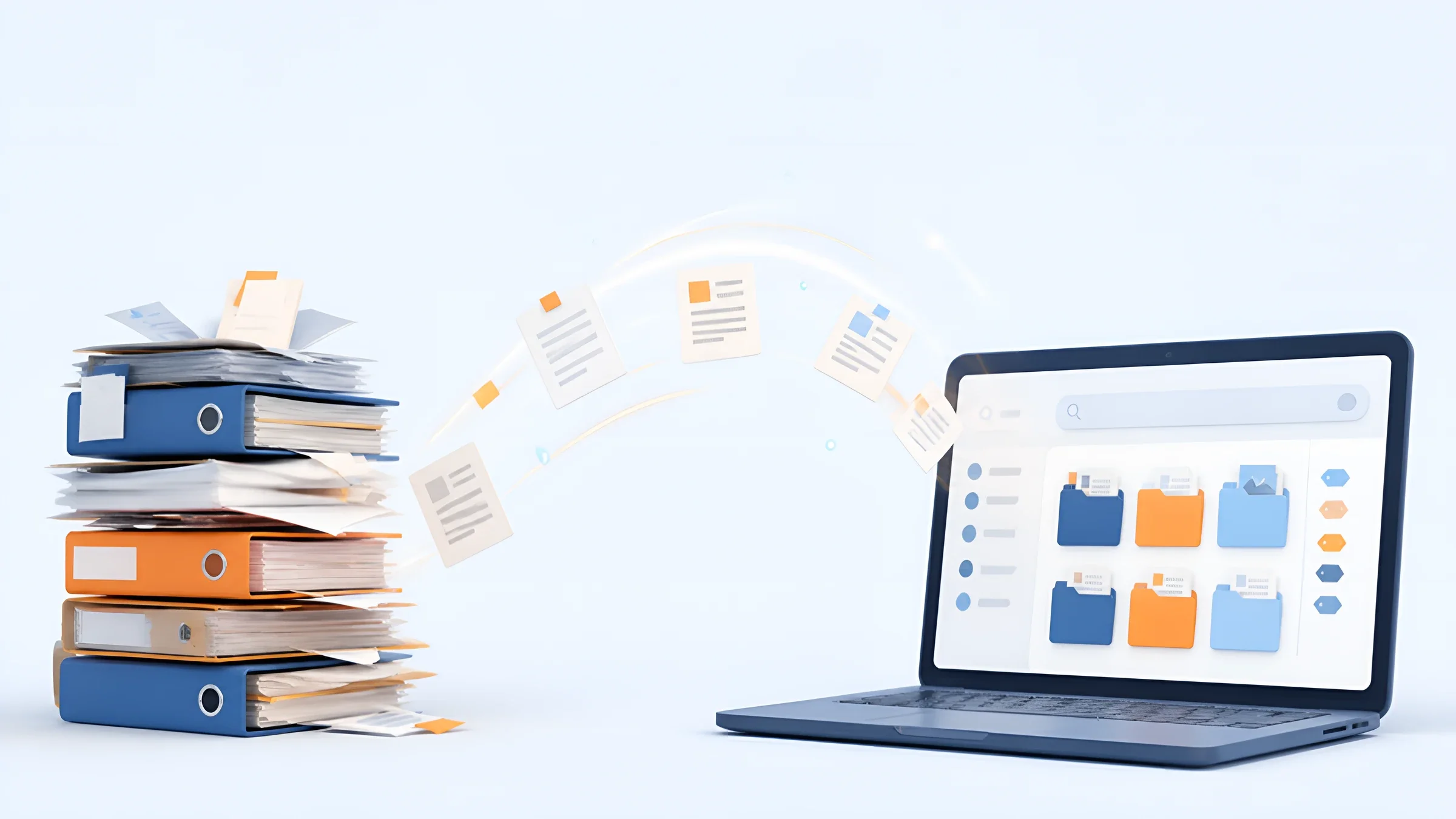
A customer calls. He wants to know which version of the contract applies. Your colleague searches the mailbox, the network drive and the binder on the shelf. Twenty minutes later she has three versions – and no certainty.
This is exactly the problem a document management system (DMS) solves. In this guide you will learn what a DMS is, how it works and what it must be able to do. Plus: how DMS and ECM differ, what a DMS costs and how to introduce it without overwhelming your team.
At DOCSHERO® we have been introducing document management in companies of every size and industry for more than 20 years. Good document management includes clear rules for filing, access rights and retention alongside the software.
Legal status and source check: 22 October 2026.

DOCSHERO® / DMS potential
How much time does your team lose searching for documents?
Enter your website and secure a no-obligation initial call. We look at your company beforehand and show you how a DMS with AI automatically organises your invoices, contracts and files.
We do not store your entry – the logo is loaded via Google.


Meaning
A document management system is the central digital repository for all of a company’s documents – with search, permissions and rules.
DMS is the abbreviation for document management system. It is software that captures documents digitally, tags them with attributes, stores them securely and finds them at the push of a button. Invoices, contracts, personnel files, delivery notes, emails or drawings are then no longer spread across binders, mailboxes and drives, but in one place.
The difference from a network drive: a DMS knows what is in a document. It knows the supplier, invoice number, date or contract term. That is why you find content, not just file names. And it controls who may see and change which document.
And what does document management mean? The term describes the rules and processes behind it: how documents are created, who checks them, where they are filed, how long they are kept and when they are deleted. Document management therefore includes not only software, but also clear responsibilities, a uniform filing structure and fixed deadlines. The DMS is the tool you use to apply these rules in everyday work.
In short: a DMS turns a storage location into a system. At DOCSHERO® we rely on ELO DMS because it grows with you, from a small team to a large group.
How it works
Every document passes through the same stages in the DMS – from receipt to deletion.
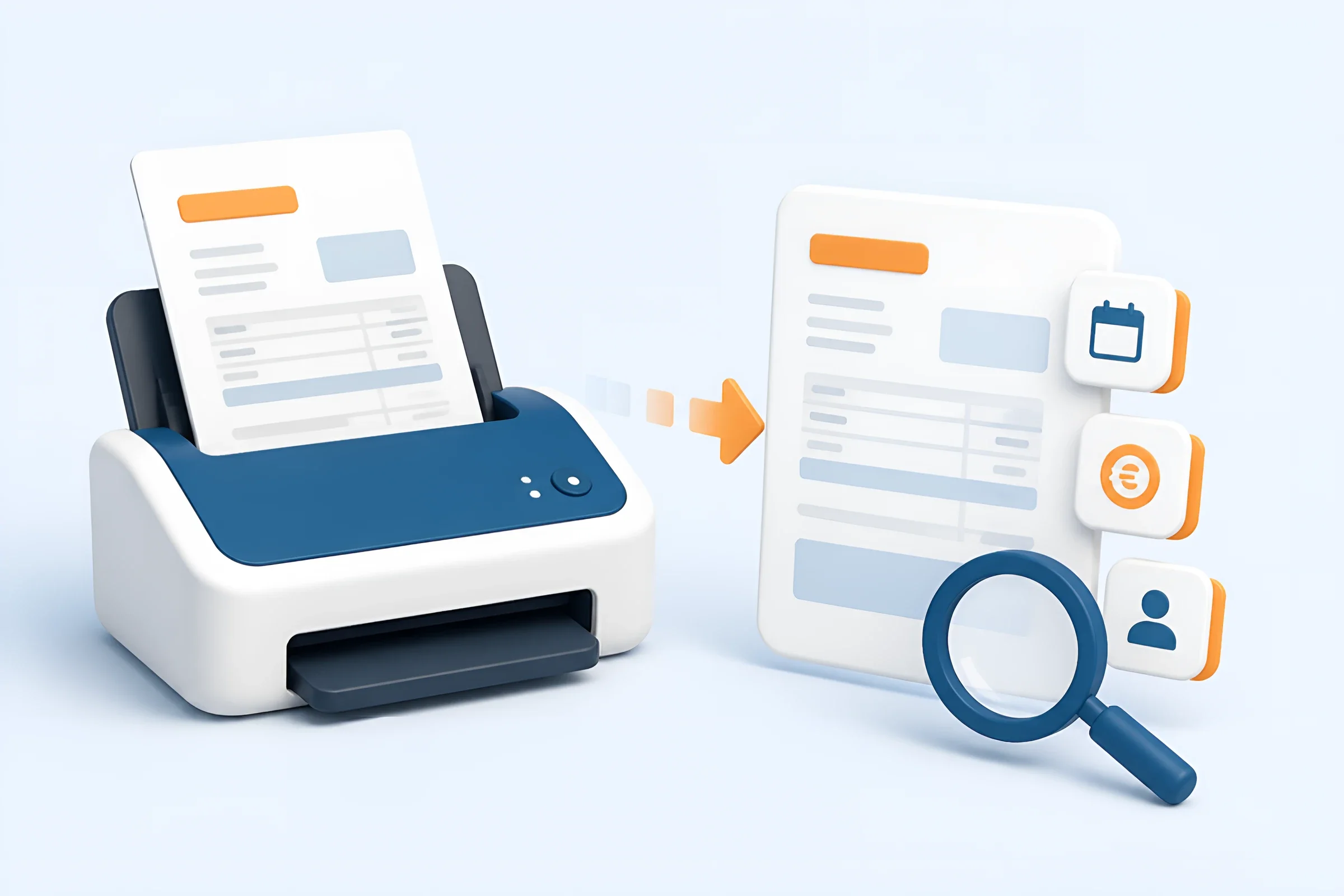
Documents enter the system by scan, email, upload or as an e-invoice. Paper becomes searchable through text recognition (OCR).
The DMS recognises whether it is an invoice, a contract or a delivery note and assigns attributes such as customer, date or amount.
The document lands in the right file. Roles and permissions define who may see, edit or delete it.
With full-text search and attributes you find any document in seconds – even on the go and without knowing where it is stored.
Changes are saved as a new version. You can always see who changed what and when.
Invoices go to approval automatically, contracts to signature. Deadlines and deputies are covered.
Once complete, the document is archived unalterably and deleted in a controlled way when the retention period expires.
You save the most time in the first two steps. A digital inbox collects letters, emails and e-invoices in one place. Automatic document classification recognises the document type, and intelligent data extraction reads invoice numbers, amounts and deadlines. Nobody has to retype what is already in the document.
Features
These six features belong in every document management system that really helps in everyday work.
Finds content rather than just file names – even in scanned documents and email attachments.
Saves every change as its own version. The valid version is always clear.
Only HR sees personnel files, only sales sees contracts. Access is logged.
Documents are tagged and filed in digital files – organised by customer, project or employee.
Documents remain unchanged, complete and traceable – as required by the GoBD.
Connection to ERP, accounting, CRM and email, so documents appear where you work.
Which additional features you need depends on your processes. A complete overview of all DMS features helps you separate must-haves from nice-to-haves. Above all, your DMS must talk to your other systems. A DMS that sits next to accounting instead of being connected to it quickly becomes the next island. Workflows such as approvals, invoice checking or contract routing go beyond a pure DMS: they are part of an ECM and come in as soon as you digitalise processes.
Benefits
A DMS saves more than shelf space. The real benefits show up in everyday work.
Less search time: Documents are found in seconds – regardless of who filed them.
One valid version: No more copies with “final_v3_new” in the file name.
Work from anywhere: Access in the office, at home and on the go, with the same permissions.
Legal certainty: Audit-proof archiving and retention periods under the GoBD and German Commercial Code.
Faster work: Documents are available to everyone involved immediately. With an ECM, invoices and contracts also move by workflow.
Less paper and space: Archive rooms and shelves are freed up, printing and postage costs fall.
Data protection: Permissions and logs show who accesses personal data.
Foundation for AI: Only well-structured documents can be analysed reliably with AI.
The last point is often underestimated. Anyone thinking about AI in the company today first needs order in their documents. A DMS is the foundation for this: it provides AI with checked content and clear permissions. That is why many AI projects at DOCSHERO® start with a look at the existing filing system.

Distinction
The terms stand for four stages of development – from the single document to any kind of content and all information to AI-supported knowledge in the company.
Manages documents throughout their life cycle: capture, file, find, version, archive. The focus is on the individual document.
Includes the DMS and goes further: processes and workflows, email management, digital files, archive and interfaces to ERP, CRM and specialist applications. The focus is not only on documents but on any kind of content.
The next stage: every relevant piece of information – content, data and processes from all systems – is brought together and made usable across the company. The focus is on the entire flow of information.
The evolution of EIM: AI works on several levels of the platform. Agents support processes, departments and employees and use the company’s knowledge for automation.
DMS, ECM, EIM and KIWM are evolutionary stages: the systems have developed further over time. The DMS is the oldest form and manages documents. ECM manages any kind of content and adds processes and archive. EIM connects every relevant piece of information from all systems. The next stage is KIWM, AI knowledge management: AI works on several levels of the platform, and agents use the company’s knowledge to support processes and employees with automation. The ELO digitalisation platform grows with you: you start with classic document management in the ELO ECM Suite, add workflows, files and archive and finally bring AI into your processes.
And how does a DMS relate to the ERP system? The ERP manages bookings, orders and stock. The DMS manages the related documents – invoice, delivery note, order. The two belong together: in the ERP you click on the booking and immediately see the document from the DMS.
84 %
of companies in Germany use at least one application for managing business documents digitally. At the same time, only 15 % work completely paperless.
Source: Bitkom Digital Office Index 2024, 1,103 companies with 20 or more employees surveyed
Target group
It is not company size that decides, but how much time documents cost you today.
Incoming invoices, receipts and bank statements – with approval workflow and GoBD-compliant retention.
Digital personnel file with strict permissions, deadlines and templates for contracts and references.
Orders, quotes and delivery notes linked to the matching invoice.
Quotes, contracts and correspondence for each customer at a glance, even on the go.
Work instructions, drawings and test reports in the current valid version.
Transparency on deadlines, contracts and open approvals – without having to ask.
A DMS pays off at the latest when one of these signs applies to you: your team regularly searches for documents. There are several versions of the same file. Invoices sit in mailboxes. Important deadlines are missed. Or the archive room is full.
Small companies benefit too. Cloud solutions such as our HEROcloud in German data centres make it possible to start without your own servers. Our digitalisation check shows you in a few minutes how far your company has come.
DOCSHERO® / DMS check
When is a DMS worth it for you?
Enter your website and find out in a short call which documents you should digitise first – and how much time that saves you.
We do not store your entry – the logo is loaded via Google.
Obligations
Many records are subject to statutory retention periods. A DMS helps you meet them.
In principle, all documents your company works with belong in a DMS: invoices, contracts, quotes, delivery notes, HR records, correspondence, minutes and technical documents. For tax-relevant records in Germany, the retention periods of Section 147 of the Fiscal Code apply:
For all other records, a retention periods table helps you assign the right period. It is also important that electronic documents must be kept electronically. For e-invoices, according to the GoBD updated in July 2025, the structured data record – such as the XML file of an XRechnung – is the original. A mere PDF copy is then not sufficient.
With audit-proof archiving, the original data record stays unchanged and verifiable at all times. For emails there is a dedicated solution with HEROmaildepot.
Operation
The choice depends on your IT, your data and your budget.
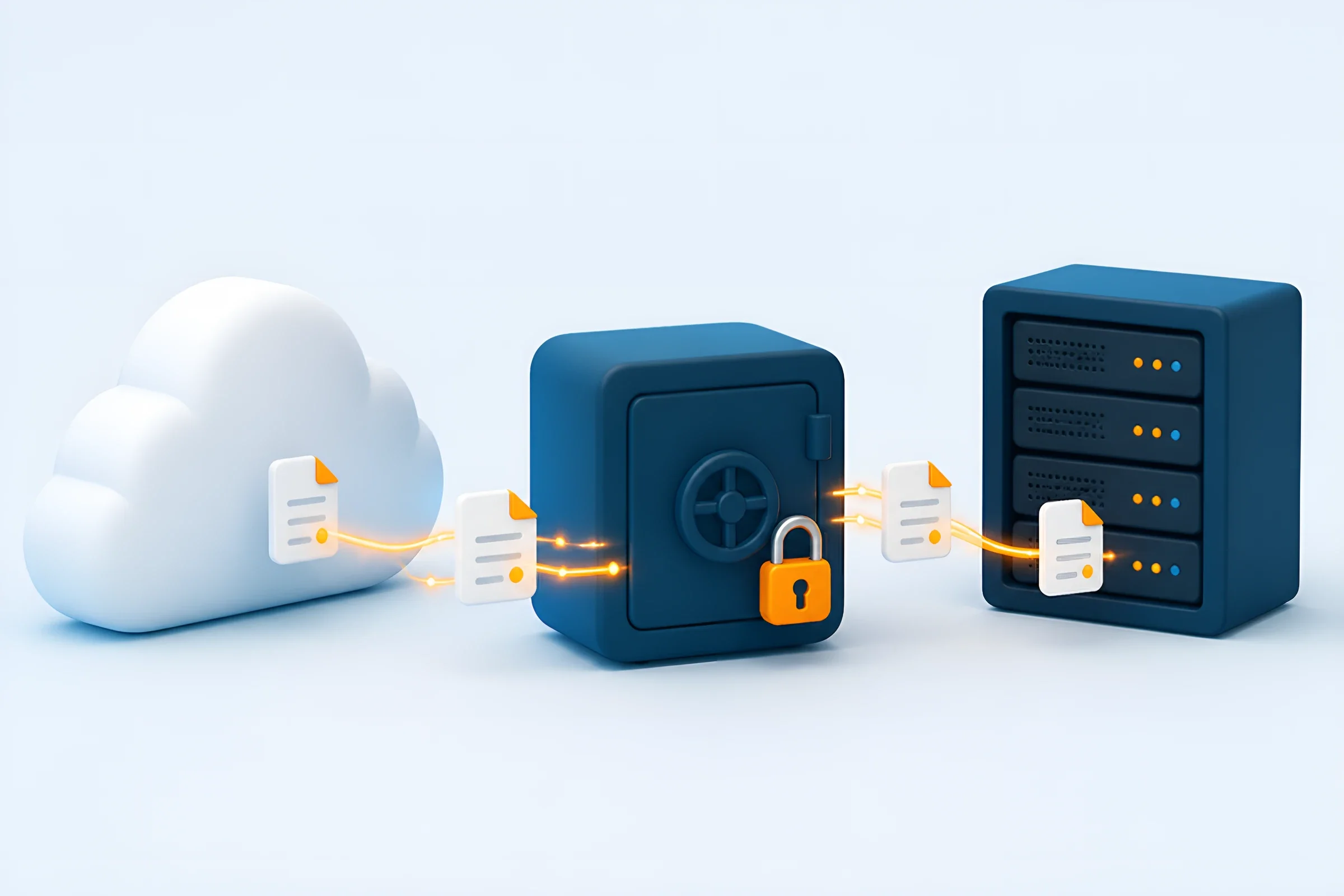
Quick start, no servers of your own, automatic updates and always the latest features. Look for data centres in Germany and a data processing agreement.
The DMS runs on your own servers. Full control, but you take care of operation, updates, monitoring and backups – updates cause additional service effort.
Sensitive data stays in-house, other areas run in the cloud. Useful for IT landscapes that have grown over time.
If you do not want to run your own servers, the cloud is usually the easiest route. If you already have your own IT infrastructure or process particularly sensitive data, on-premise may be the better choice. DOCSHERO® operates both and advises you on which option suits you.
Market overview
Rather than a ranking, it helps to look at the four types of solution.
ECM suites such as ELO, d.velop or DocuWare cover document management, workflows and archive in one system. They suit companies that want to digitise several departments and processes.
Industry DMS specialise in one area, for example DMS modules in ERP or accounting software. Important for DATEV users: DATEV has discontinued its DMS Classic. ELO is an official DATEV partner, and DATEV recommends ELO as the DMS for DATEV – from document management to ECM.
Collaboration platforms such as Microsoft SharePoint are strong at working on files together, but are not a full archive. If you plan SharePoint document management, you therefore need an add-on for GoBD-compliant archiving.
Open-source DMS such as paperless-ngx are popular with private users and very small teams. For GoBD-compliant archiving, permissions and support in a company, they are usually not enough.
Which DMS is best depends on your requirements. A neutral DMS vendor comparison sets your requirements against the strengths of each system. Transparency note: DOCSHERO® is an ELO Business Partner.
Costs
Flat prices say little. These factors determine the costs.
The costs of a document management system consist of several parts:
On the other side are saved search time, less paper, faster invoice approvals and less risk during audits. For your DMS implementation, plan the costs along these items and weigh them against the savings.
Rollout
How to make the switch without bringing everyday work to a halt.
Which documents exist, where are they stored, who works with them? Note the biggest time wasters.
Start with a clearly limited area, for example incoming invoices or personnel files.
Check features, interfaces, operating model and a local partner – not just the price.
Define document types, attributes, files and permissions. This is the most important basis for good search.
Test with real documents, collect feedback and train the team in a practical way.
Extend step by step to other areas and automate recurring processes.
The most common mistake is wanting everything at once. Successful projects start small, show benefits quickly and then grow. Once the foundation is in place, it pays to map recurring processes as workflows – such as invoice approval or contract routing. At DOCSHERO® we accompany such rollouts from analysis to ongoing operation.
Outlook
Artificial intelligence turns good filing into a system that thinks along.
Modern DMS use AI in three places. First, on receipt: the AI recognises document types and extracts data, even from invoices without a fixed layout. Second, in search: instead of keywords you ask a question in plain language and get an answer with a source. Third, in processes: the AI suggests the next action, such as approving an invoice that matches the order.
With the ELO Assistant you query your documents directly in the ELO software in plain language – like a chatbot, but within your repository and its permissions. This is how AI in document management saves time, above all in intake, search and approvals. Important: AI is only as good as the documents it accesses. A properly set-up DMS is therefore the best first step towards your own company AI.
GOOD TO KNOW
DMS stands for document management system. It is software that captures documents digitally, organises them, makes them searchable and archives them in an audit-proof way. Colloquially, “DMs” also stands for direct messages on social networks.
DMS, ECM, EIM and KIWM are stages of development. A DMS manages individual documents throughout their life cycle. An ECM system includes the DMS, manages any kind of content and adds workflows, email management, digital files, archive and interfaces. EIM brings together every relevant piece of information from all systems, and KIWM adds AI knowledge management with agents. ELO covers DMS, ECM and EIM.
Documents are captured, classified and tagged with attributes, filed in folders and protected with permissions. They can then be found via full-text search, versioned and finally archived in an audit-proof way. With an ECM, workflows for approvals are added.
At least full-text search, versioning, permissions and roles, files with metadata, audit-proof archiving and interfaces to ERP, accounting and email. Workflows already belong to ECM.
Every company that regularly searches for documents, struggles with multiple versions or has to meet retention periods. Accounting, HR, purchasing and sales benefit in particular.
That depends on the number of users, operating model and scope. Cloud solutions are usually billed per user and month, on-premise solutions via licence and maintenance. Implementation and training come on top.
A DMS is not required by law. However, the GoBD require tax-relevant electronic documents to be kept unalterable, complete and retrievable. This is hardly possible to implement reliably without a DMS.
The best DMS is the one that fits your processes, your IT and your budget. Features, interfaces, operating model and a partner who accompanies the rollout matter more than the name.
Legal status and source check: 22 October 2026. Legal requirements are linked directly; process steps are implementation recommendations. This article is not legal or tax advice.