
Process automation examples: 6 workflows you can automate right away
Process automation using concrete examples: incoming invoices, inbound mail, contracts, HR, quality management and AI – each before and after. Plus workflow, RPA, IDP and AI compared, choosing your first process, implementation in 6 steps and legal guardrails. With FAQ.
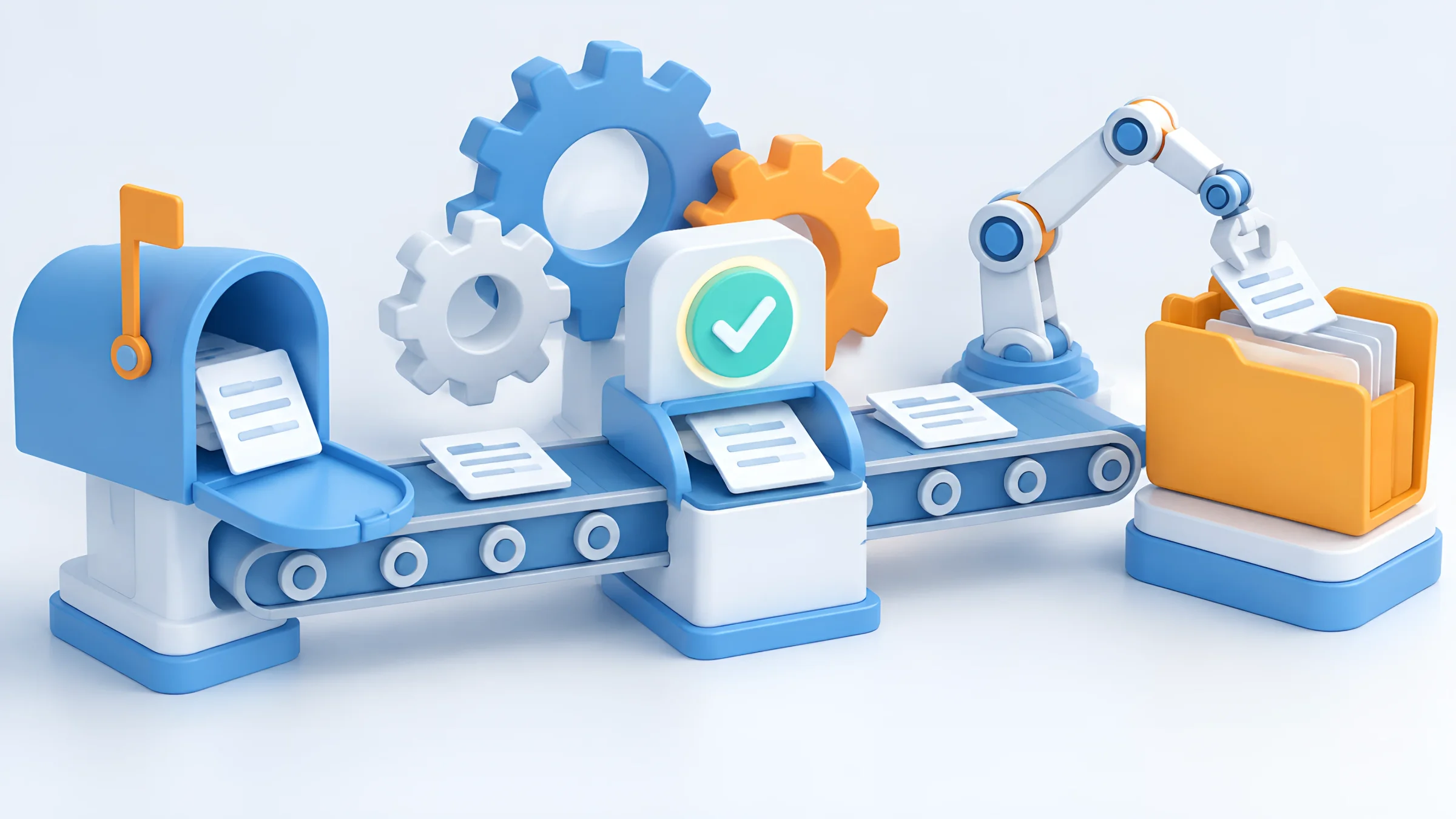
“We have always done it this way.” Invoices are printed out and put in trays, contracts are emailed back and forth, new employees get their paperwork from five different sources. Each step on its own is done quickly. Together they cost hours every day.
This is exactly where process automation comes in: recurring processes run according to fixed rules, documents automatically reach the right person, and people only decide where a decision is really needed.
In this guide you will find six concrete examples of process automation – each with the process before and after. You will also learn how workflow, RPA, document recognition and AI differ, how to find the right first process and what to consider from a legal point of view.
As DOCSHERO®, we have been automating document processes in companies of every size and industry for more than 20 years – as a certified ELO Business Partner.
Legal status and source review: 3 November 2026.
Which process costs you the most time?
Secure a no-obligation initial consultation. We take a look at your company in advance and show you which processes you can automate first.
Loading form…
Key points at a glance
- Process automation means: recurring processes run according to fixed rules, while people take care of exceptions and decisions.
- Documents are the most common trigger: invoices, contracts, applications and emails set most office processes in motion.
- Workflow, RPA, IDP and AI complement each other: workflows control the process, document recognition extracts data, AI supports classification and analysis.
- Start with a clear process: frequent, rule-based, easy to measure – the incoming invoice is the classic example.
- Control remains important: automated steps belong in the internal control system and the procedural documentation, and decisions about people are made by a person.
Basics
What is process automation?
Automation does not replace people, but the manual steps between decisions.
Process automation means that a business process runs wholly or partly without manual intervention. A trigger starts the process, such as an incoming document or a click. Rules determine what happens next: check, assign, forward, file. And where a decision is needed or something does not fit, the case lands with the responsible person.
How far companies in Germany have come is shown by the Bitkom Digital Office Index 2024: 30 percent of companies with 20 or more employees use workflow management to automate approvals and other administrative processes, up from 20 percent in 2022. Artificial intelligence is moving even faster: according to Bitkom, 57 percent of companies use AI in 2026 for the first time, after 36 percent the year before.
What matters is looking at the entire process. If you only automate a single step, such as scanning, you often just shift the work. The real gain comes when capture, checking, approval and filing mesh together.
57%
of companies in Germany use artificial intelligence in 2026, compared with 36 percent in 2025. Almost half of the users say AI has significantly accelerated internal processes.
Source: Bitkom, survey of 603 companies with 20 or more employees, September 2026
Technologies
Workflow, RPA, IDP and AI: what is what?
The term process automation covers different technologies. They solve different tasks.
| Technology | What it does | Typical use |
|---|---|---|
| Workflow automation | Controls the process according to rules: who, what, when, in which order | Approvals, invoice verification, onboarding |
| Intelligent document processing (IDP) | Classifies documents and extracts data, even from unstructured templates | Invoices, delivery notes, contracts, forms |
| RPA (robotic process automation) | Software robots operate programs via the user interface like a human | Legacy systems without an interface |
| AI assistance | Summarises content, answers questions, makes suggestions | Comparing quotes, reports, knowledge search |
| Interfaces (API) | Systems exchange data directly | Handover to ERP, accounting, CRM |
In practice, the technologies are combined. In 2020, a Bitkom expert described RPA as a bridging technology – where an interface exists, it is usually the more stable solution.
Most office processes begin with a document. That is why workflow and document recognition are usually the foundation: recognition turns a document into structured data, and the workflow ensures that the right thing happens with that data. AI comes in where content has to be understood, summarised or assessed.
RPA stands for robotic process automation: a software robot clicks through programs like a person, transfers data from one screen to another and follows fixed rules. RPA makes sense above all when an old system has no interface. Where systems can talk to each other directly, an interface is usually more stable because it does not depend on the user interface of a program.
Example 1
Incoming invoices: from mailbox to posting
The classic starter example – frequent, rule-based and easy to measure.
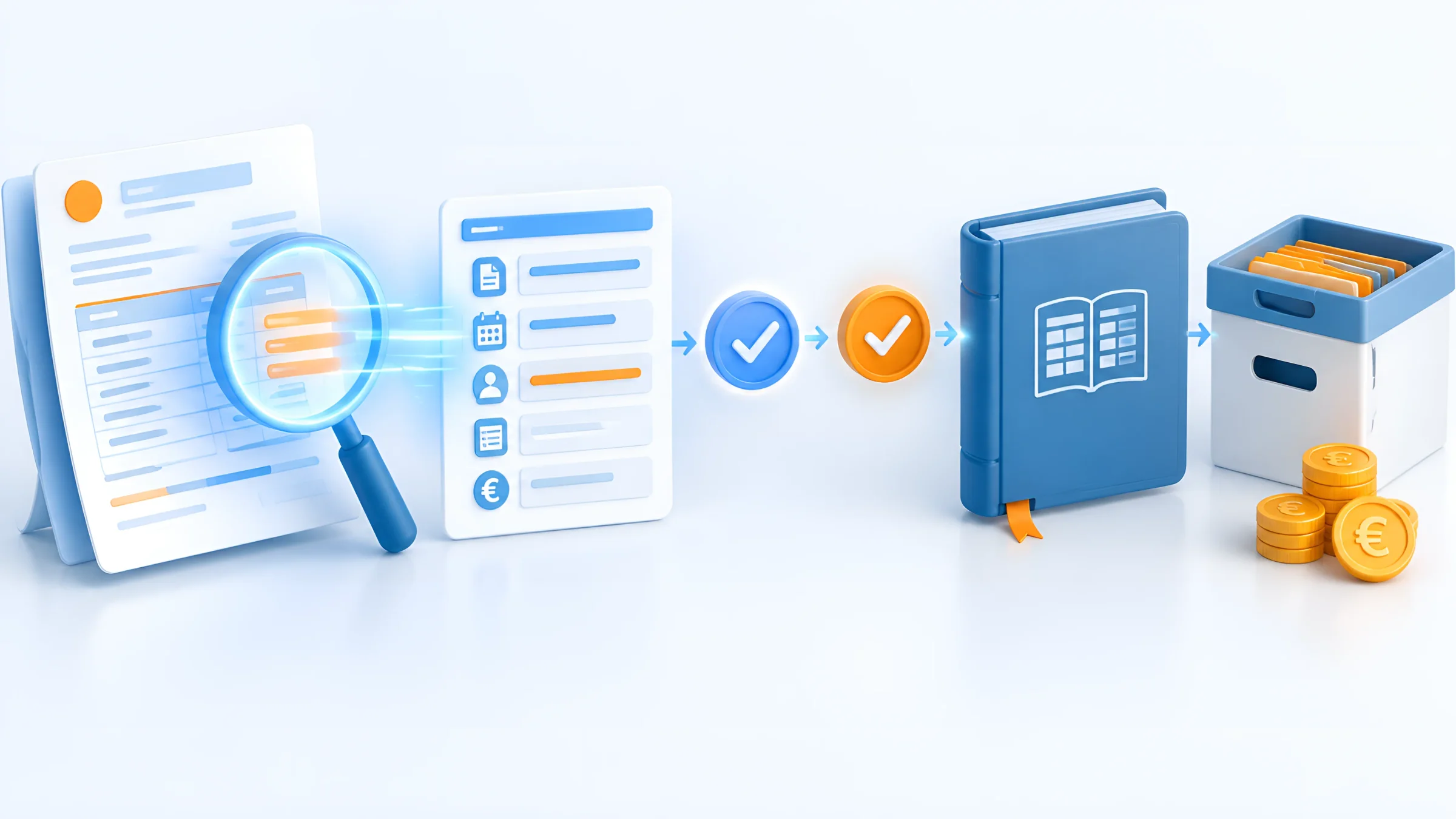
Before: invoices arrive by post, by email or as e-invoices. Someone prints them out, stamps them, types in the invoice number and amount, looks for the purchase order and puts the invoice in the tray for approval. During holidays it sits there, early-payment discount deadlines expire, and when questions come up nobody knows where the invoice currently is.
After: the invoice lands in the digital inbox, no matter which channel it came through. HEROextractor extracts supplier, invoice number, amounts and line items, including from XRechnung and ZUGFeRD, and matches them against purchase orders. The workflow routes the invoice to the right person for factual verification and, above an amount threshold, additionally for approval under the four-eyes principle. Conspicuous values go for clarification. After approval, the data is handed over to accounting, and the invoice is archived in an audit-proof manner.
The effect: shorter processing times, better chances of early-payment discounts and full transparency on the status of every invoice at any time. What the individual steps of an incoming invoice workflow and a structured invoice verification look like is easy to transfer to your own company.
Example 2
Inbound mail and email: classifying documents automatically
Before a process can start, it must be clear what a document is and where it belongs.
Before: a shared mailbox such as info@ or invoice@ is checked by hand. Someone decides whether an email is an invoice, a customer enquiry, an application or a contract, and forwards it. Paper mail is opened, scanned and distributed by email.
After: a digital inbox captures emails, scans and files in one place. HEROclassify classifies the documents, with more than 100 standard classes and custom, trained categories, and triggers the appropriate ELO process: invoices go to invoice verification, contracts to the specialist department, customer enquiries to customer service. An adjustable threshold determines how certain the classification must be. Uncertain documents land with a person who assigns them correctly.
Business emails themselves are archived automatically, for example with HEROmaildepot. This way, not only the attachment but also the correspondence is filed completely and traceably.
Example 3
Contracts and documents: create, sign, file
Outgoing documents can also be automated – from draft to signature.
Before: quotes and contracts are created by copying and pasting from old documents. Errors in names, prices or clauses are noticed late. The contract is printed, signed, scanned, sent by email and comes back signed days later – if it does not get stuck somewhere.
After: HEROdocgen generates quotes, contracts or delivery notes from Word-based templates and data from ELO or the ERP – with tables, conditional text blocks and QR codes. A workflow obtains internal approval. The document then goes for signature with HEROsign via the chosen signature provider and comes back signed into the right file. Deadlines and follow-ups are set automatically.
Which signature is needed depends on the document. For most contracts, an advanced signature is sufficient; for documents that require the statutory written form, you need a qualified one. The types of electronic signature therefore differ considerably in effort and legal effect.
Example 4
HR: automating onboarding and the personnel file
In HR, many documents, many people involved and strict data protection rules come together.
Before: for a new employee, the contract, certificates, records, IT access and training have to be coordinated. The HR department sends emails to IT, line managers and reception, collects documents and files them in a paper file.
After: the signed contract starts an onboarding workflow. Tasks go automatically to IT, the department and reception, with deadlines and reminders. Incoming documents are recognised and filed in the right digital personnel file, with access rights, retention periods and deletion rules. Applications can also be captured, sorted and forwarded to the responsible people automatically.
How a digital personnel file should be set up legally and organisationally is the basis for every automated HR process.
Example 5
Quality management: document control without routing slips
In QM, traceability is what counts – and that is exactly what an automated process delivers.
Before: work instructions and process descriptions are changed in Word, sent by email for review and approved with a routing slip. Which version applies, who has read it and when the next review is due are kept in lists that nobody keeps up to date. Before the audit, the search begins.
After: with HEROqm, change request, creation, review, approval, distribution and archiving of superseded versions run in a fixed life cycle. Revisions, deadlines, review records and approval histories are documented in one place, and training records can be linked to the personnel file.
Important: software does not make you certified. Certification comes from your processes and their audit. Automation ensures that these processes run cleanly and can be proven.
Example 6
AI in the process: analysing documents with human oversight
AI shows its value above all where people read, compare and summarise a lot.

Before: in purchasing, five quotes with different structures lie side by side. Someone reads through them, transfers prices, delivery times and conditions into a spreadsheet and writes a recommendation. In projects, long reports are read to find open issues.
After: the ELO Assistant analyses the documents, compares quotes, summarises reports and answers questions directly on the document. The result goes into a defined process, with a specialist review step before anything is processed further. Depending on requirements, standard models, specialist models or custom models can be used. What ELO artificial intelligence can do in each individual case depends on version, licence and operating model.
There is one question you should clarify for any AI in a process: where is the data processed? With HEROextractor, all services run on servers rented by us in the EU, without external AI providers.
Selection
Which process should you automate first?
The first process decides whether automation is perceived as a success in the company.
Frequency: The process runs often, ideally daily or weekly.
Rules: Most cases follow clear rules, and exceptions can be described.
Documents: It starts with a document or an email that can be recognised.
Measurability: Processing time, error rate or effort can be measured before and after.
Pain: The people involved feel the problem and want an improvement.
Scope: The process is manageable and does not depend on ten other processes.
If a process meets most of these points, it is a good candidate. The incoming invoice meets almost all of them – which is why it is so often the starting point. It is frequently followed by inbound mail, contracts and HR processes.
Less suitable for the start are processes that occur rarely, have many special cases or where it is not even clear yet how they should actually run. Here, automation only helps once the process has been clarified. Automation only makes a bad process bad faster.
Implementation
Automating processes: in 6 steps
Understand first, then automate – this is how you reach your first result in a structured way.
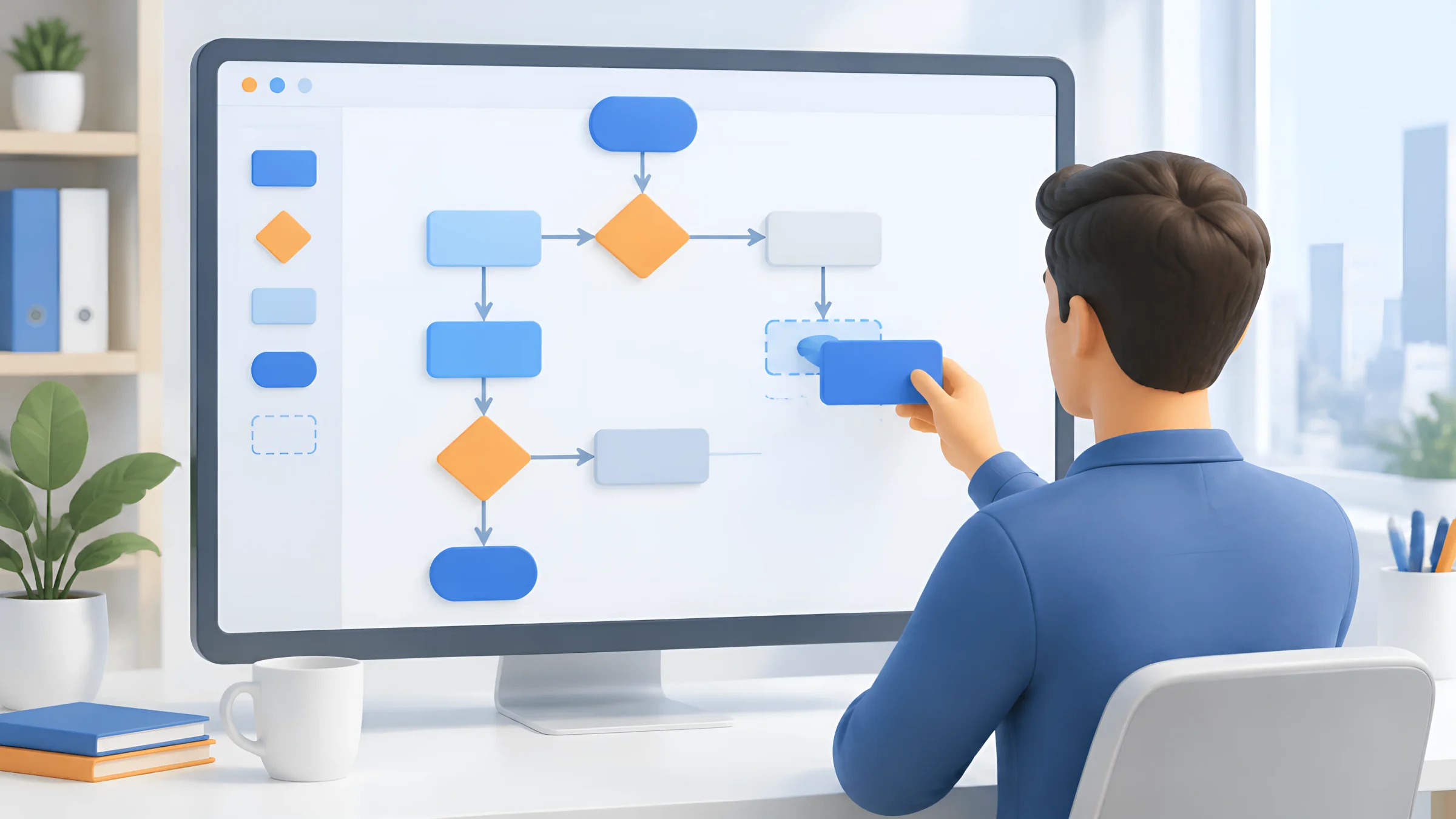
Map the process
Write down the process step by step with the people involved, including exceptions and queries.
Define the goal
What should improve? For example, processing time, error rate or transparency.
Simplify the process
Remove unnecessary steps before they are automated.
Define rules and exceptions
Set triggers, rules, responsibilities, thresholds and return paths.
Start a pilot
Begin with one area, measure results and fine-tune.
Roll out and document
Connect further areas and include the process in the procedural documentation.
Many processes can now be configured with low-code, without programming: define triggers, link rules and actions, include systems. For complex rules or special integrations, however, development is needed. With ELO Flows, we cover both in process automation and jointly define return paths, responsibilities and notifications.
Also plan enough time for the people. An automated process changes tasks and roles. If you involve people early, they find errors in the process faster and support the change. Plan the undertaking like a DMS implementation: with clear phases, a budget for all cost blocks and a pilot.
Ready for your first automated process?
Find out in a short conversation how process automation fits your workflows.
Loading form…
Legal framework
Legal guardrails for automated processes
Automation makes processes faster. But they must remain just as traceable and controlled as before.
You should know three sets of rules:
- GoBD: under these German principles for proper digital bookkeeping and record-keeping, automated checking, approval and posting steps are part of the internal control system. Controls such as access rights, segregation of duties and approval limits must be set up, applied and logged. This is described in the GoBD procedural documentation.
- GDPR: personal data may only be processed to the extent necessary. Decisions with legal effect for a person must not be based solely on automated processing (Art. 22 GDPR).
- EU AI Act: since February 2025, companies that use AI must ensure sufficient AI literacy among their employees. Since August 2026, transparency obligations apply, for example for AI-generated content. Stricter obligations apply to AI in applicant selection as a high-risk application; their application has been postponed to December 2027.
In practice, this means: automate the manual steps, log the steps and let people decide where people or discretion are concerned. A threshold that routes uncertain cases to review is a proven tool for this.
GOOD TO KNOW
Frequently asked questions about process automation
What is process automation?
Process automation means that recurring business processes run wholly or partly according to fixed rules without manual intervention. People take care of exceptions and decisions.
What are some examples of process automation?
Typical examples are incoming invoices, inbound mail and email distribution, contract creation and signature, onboarding and the personnel file, document control in quality management and the AI-supported analysis of quotes and reports.
Which processes are suitable for automation?
Processes that occur frequently, follow clear rules, begin with a document and are easy to measure. The incoming invoice meets these criteria particularly well.
What is the difference between workflow and RPA?
A workflow controls the course of a process according to rules. RPA uses software robots to operate programs via their user interface, above all where no interface exists.
What is intelligent document processing (IDP)?
IDP recognises document types and extracts data from documents, even from unstructured templates. The data is checked and handed over to the appropriate process.
What role does AI play in process automation?
AI supports the classification, extraction, summarising and assessment of documents. Results should be checked in a defined process with a specialist review step.
How many companies automate their processes?
According to the Bitkom Digital Office Index 2024, 30 percent of companies in Germany with 20 or more employees use workflow management to automate approvals and administrative processes. According to Bitkom, 57 percent already use AI in 2026.
Do I need programming skills for process automation?
Not necessarily. Many processes can be configured with low-code. Complex rules or special integrations may require development.
How do I get started with process automation?
Choose a frequent, rule-based process, map it with the people involved, simplify it, define rules and exceptions and start with a pilot.
Is process automation GoBD-compliant?
Yes, if the automated steps are integrated into the internal control system, logged and described in the procedural documentation.
Can I analyse applications automatically?
Sorting and forwarding are possible. However, a decision with legal effect for a person must not be based solely on automated processing. The selection is made by a person.
What does the EU AI Act require of companies?
Since February 2025, companies must ensure AI literacy among their employees, and since August 2026 transparency obligations have applied. Stricter obligations for high-risk applications such as applicant selection apply from December 2027.
What are the benefits of process automation?
Shorter processing times, fewer typing errors, more transparency on the status of cases and more time for tasks that require real decisions.
Sources and context
Legal status and source review: 3 November 2026. Information on ELO and the HERO modules according to the manufacturer and DOCSHERO® respectively. This article is not legal advice.
- Bitkom: Digital Office Index 2024 (German)
- Bitkom: for the first time, the majority of companies use AI (2026, German)
- Bitkom: when the software robot takes over tedious tasks (RPA, German)
- Art. 22 GDPR: automated individual decision-making (German)
- LTO: AI Act, GDPR and automated applicant selection (German)
- Cuatrecasas: Digital Omnibus on AI
- DATEV: creating procedural documentation in accordance with the GoBD (German)