
ELO Invoice
Incoming invoices, checking and approval in one process, including e-invoices.
ELOoffice is only supported until 31.12.2026. What is the successor, how do ELOprofessional and ELOenterprise differ, which ELO version is current, cloud or on-premise, and what does ELO cost? An overview of the ELO product family.
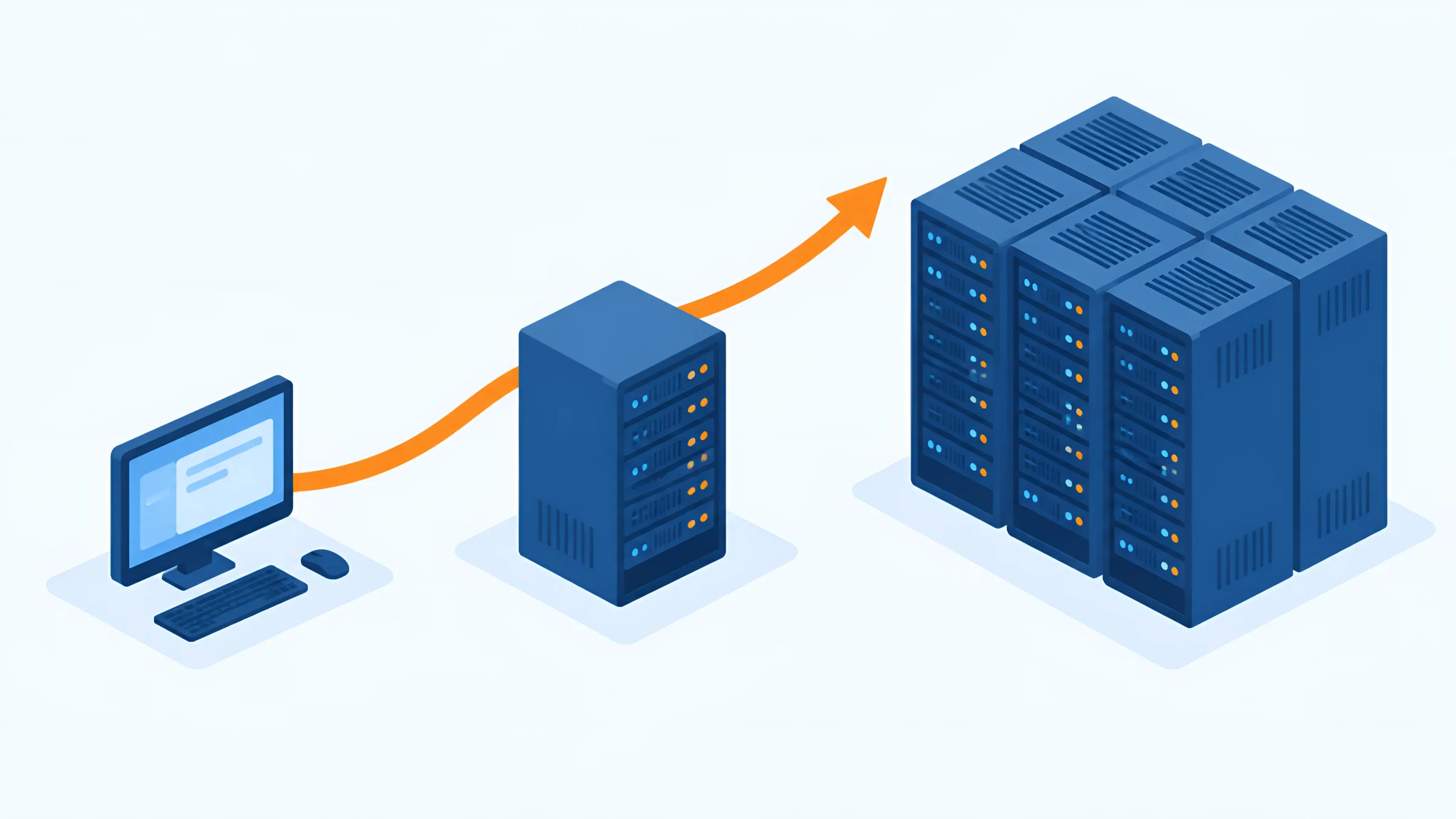
For many small businesses and self-employed people, ELOoffice was the entry point into digital filing. But sales were discontinued long ago, and support ends on 31 December 2026. If you are still working with ELOoffice today, you only have a few weeks left to plan the switch.
At the same time, many people find the product family confusing: what is the difference between ELOprofessional and ELOenterprise? What does ELO ECM Suite mean? Which version is current, and is ELO also available from the cloud?
In this guide you get the complete overview: which ELO products exist and who they are intended for, what the official successor to ELOoffice is, how you take your data with you, how ELOprofessional and ELOenterprise differ, which operating models there are and what the costs depend on.
As DOCSHERO®, we are a certified ELO Business Partner and have been implementing ELO in companies of every size and industry for more than 20 years – from ten workstations to large corporate groups.
Information as of: 3 November 2026.

DOCSHERO® / ELO check
Still working with ELOoffice?
Enter your website and secure a no-obligation initial consultation. We take a look at your company in advance and show you which route after ELOoffice is right for you and how your data can move safely.
We do not store your entry – the logo is loaded via Google.


Basics
ELO is a platform for documents, processes and information – from the digital archive to AI.
ELO originally stands for “Elektronischer Leitz Ordner” (electronic Leitz binder). The brand was created within the Louis Leitz group of companies, and in 1998 ELO Digital Office GmbH, based in Stuttgart, became independent. Today, around 1,030 people work for ELO, about 500 of them in Germany. ELO is one of the leading vendors of enterprise content management and sells its software exclusively through partners.
ELO is often described as a “DMS”. That falls short. A document management system is the foundation: filing, finding and versioning documents. But ELO covers all the levels above it. With workflows, files, email archiving and interfaces, it becomes ECM (enterprise content management). When information from all systems is connected and analysed, this is called EIM (enterprise information management). And with AI on several levels supporting processes and employees, the next level is added: AI knowledge management.
That is why ELO today is a complete digitalisation platform. Incoming invoices, contract management, personnel files, email archiving, workflows and AI assistance all run on the same foundation.
Overview
There used to be three product lines. Today, the portfolio looks different.
| Product | For whom? | Status (November 2026) |
|---|---|---|
| ELOoffice | Self-employed people and small businesses, up to 10 users on the network | Sales discontinued, support until 31.12.2026 |
| ELOprofessional for Small Business | Existing ELOoffice 11 customers in Germany, 3, 5 or 10 users | Current, cloud and subscription only |
| ELOprofessional | Mid-sized companies, operation on Windows | Current edition of the ELO ECM Suite |
| ELOenterprise | Large and distributed organisations, multi-tenant | Current edition of the ELO ECM Suite |
| ELO Cloud Business Edition | Companies with 5 or more users | Current, on subscription |
| HEROcloud | ELO in the cloud from DOCSHERO®, on our own infrastructure in German and European data centres | Current |
| ELO Business Solutions | Specialist solutions such as ELO Invoice, ELO Contract, ELO HR Personnel File | Current, as modules on the ECM Suite |
For a long time, ELO consisted of three product lines: ELOoffice for small businesses, ELOprofessional for mid-sized companies and ELOenterprise for large corporate groups. ELOoffice has since been discontinued. Professional and Enterprise are still available, and both are editions of the ELO ECM Suite. So the ECM Suite is not another product alongside them, but the name of the software they belong to.
The ELO Business Solutions build on this: ready-made specialist solutions for typical processes that can be adapted to your own company. And if you do not want to run ELO yourself, you use a cloud model – either from ELO itself or from a Business Partner.
ELOoffice
ELOoffice has not been sold since 2024. At the end of 2026, support ends as well.
ELOoffice was ELO’s entry-level solution: an archive for up to ten users on the network, with up to 200,000 documents per archive in a maximum of four archives. The last version was ELOoffice 11.02. In September 2024, ELO discontinued sales. The online shop closed at the end of October 2024, and the last licences and updates were available from specialist resellers until 31 December 2024.
Since then, there have been no new features, only security updates. Support by phone, ticket and online is available until 31 December 2026. After that, you are running software without manufacturer support.
What does that mean in practice? If problems arise after a Windows update, with new requirements such as e-invoicing or when you change computers, nobody will be able to help you any more. At the same time, ELOoffice often holds a company’s entire archive: invoices, contracts, correspondence – exactly the records you have to keep for years to come. Now at the latest is the right time to plan the switch.
31.12.2026
is when support for ELOoffice ends. There have been no feature updates since sales ended in 2024.
Source: ELO Digital Office, ELOoffice support page (accessed 3 November 2026)
Successor
ELO offers an official successor. Depending on the company, however, there are other routes too.
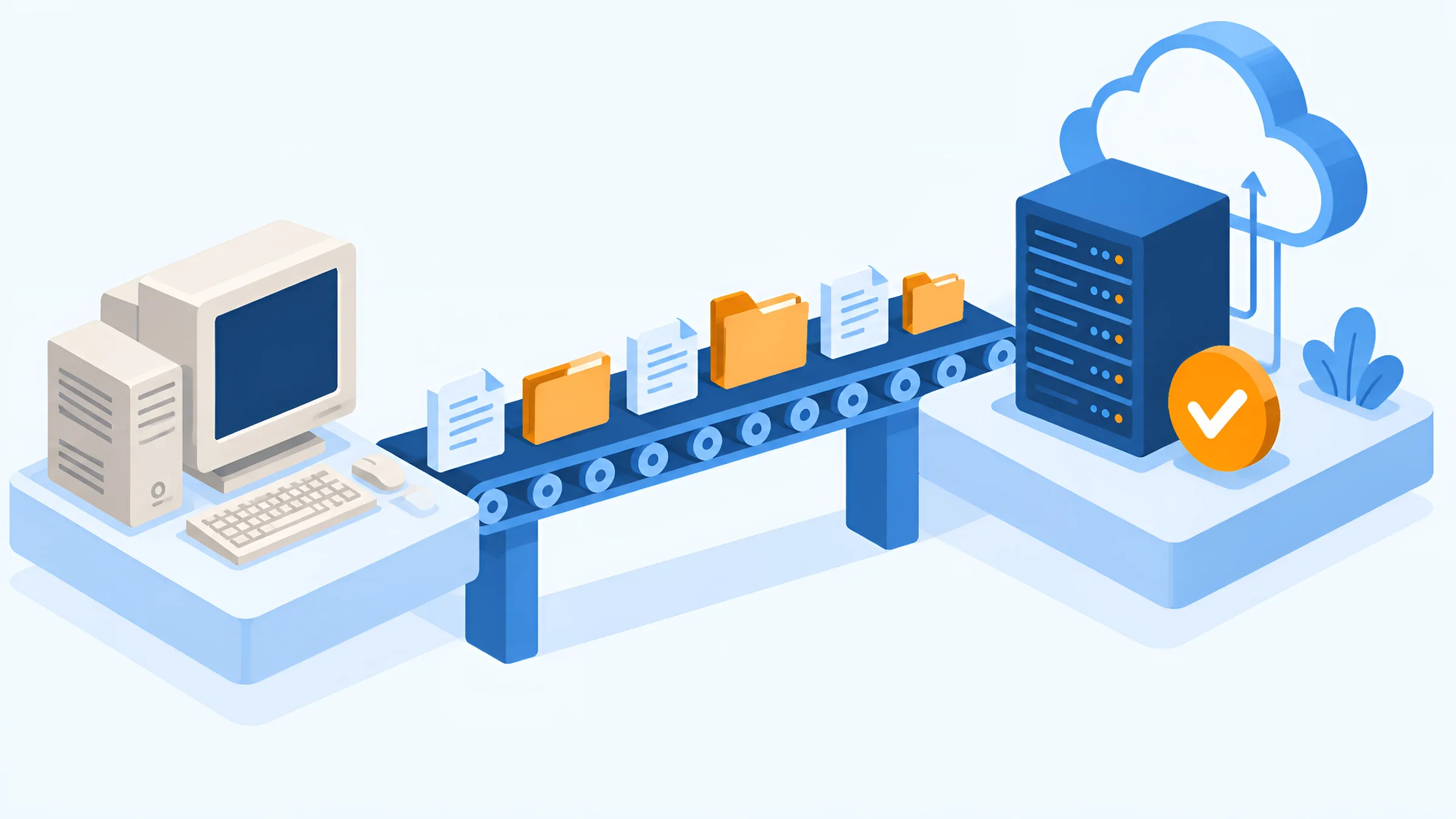
The official successor is called ELOprofessional for Small Business. ELO introduced it in May 2025 for existing ELOoffice 11 customers. The key facts:
If that does not suit you, for example because you have more than ten users, want to run ELO on your own servers or need specialist solutions such as an invoice workflow, switching to ELOprofessional is the second route. It offers the full functionality of the ELO ECM Suite and can be run on your own servers or in a partner’s cloud.
Which ELOoffice version, how many archives, documents and users, which metadata fields and rights?
Small Business from the cloud or ELOprofessional? Your own servers or cloud? Which processes should run digitally in future?
The switch is the chance to tidy up folder structure, metadata and rights instead of carrying old baggage over.
Documents, metadata and permissions are transferred and checked by random sampling.
A test run with real documents and a short training session ensure a clean start.
Decommission the old system, secure access to legacy records and carry on working in the new system.
With every switch, the same applies: retention obligations continue. You have to keep invoices and accounting vouchers for eight years, and books and annual financial statements for ten years – complete, unalterable and evaluable. A clean migration therefore transfers not only files, but also metadata, annotations and references into the ELO standard.
Comparison
Both editions share the same functional core. The difference lies in architecture and scaling.
| Feature | ELOprofessional | ELOenterprise |
|---|---|---|
| Typical target group | Mid-sized companies, one or a few locations | Large companies, corporate groups, public administration |
| Server operating system | Microsoft Windows only | Platform-independent |
| Multi-tenancy | No | Yes |
| Cluster | Only limited cluster capability | Fully cluster-capable |
| Distribution of server processes | On one host | Across several hosts (VMs or physical servers) |
| Features and Business Solutions | Full ELO ECM Suite | Full ELO ECM Suite |
Technical differences according to the system documentation of the ELO ECM Suite. Which edition is right depends above all on the number of users, availability requirements and IT landscape.
For most mid-sized companies, ELOprofessional is the right choice. It runs on Windows servers, all server processes sit on one host, and workflows, files, email archive, Business Solutions and AI are available in full.
ELOenterprise plays to its strengths when things get big and demanding: many locations, high availability, load balancing across several servers, Linux servers or several tenants in one system, for example for a group of companies or a service provider running ELO for several customers.
Because both editions share the same functional core, the decision is above all a question of architecture. So the key question is less “What do we need today?” than “Where do we want to be in five years?”. That is exactly what we clarify in an analysis such as HEROscope before a licence is purchased.
Version
Since ELO 21, versions have been released on a fixed cycle.
The current version is ELO ECM Suite 25.0 LTS. The documentation also still lists the previous version 23.0 LTS.
Since ELO 21, there have been two kinds of versions: feature releases, which bring new features over the course of the year, and LTS versions (long-term support), which are released every two years and supported for a particularly long time. For companies that value stability more than every new feature, the LTS versions are the first choice. If you use ELO in the cloud, you receive updates automatically and always work with the latest version. If you run ELO yourself, you plan updates, monitoring and backups on your own or with your partner.
ELO 25 focuses above all on low-code and AI: processes can be connected with ELO Flows without programming, and the ELO Assistant summarises content, answers questions and analyses documents – with the permissions of the filing system. Both are standard components of the ELO server, not additional Business Solutions or integrations. ELO AI can be run with your own language models or an AI provider of your choice.
Depending on their role, people work in different interfaces: in the ELO Java Client, in the ELO Web Client in the browser, in the ELO Desktop Client with Microsoft Office integration or on the move in the ELO App for Android and iOS.
Operation
ELO can be operated in three ways. Each has its strengths.
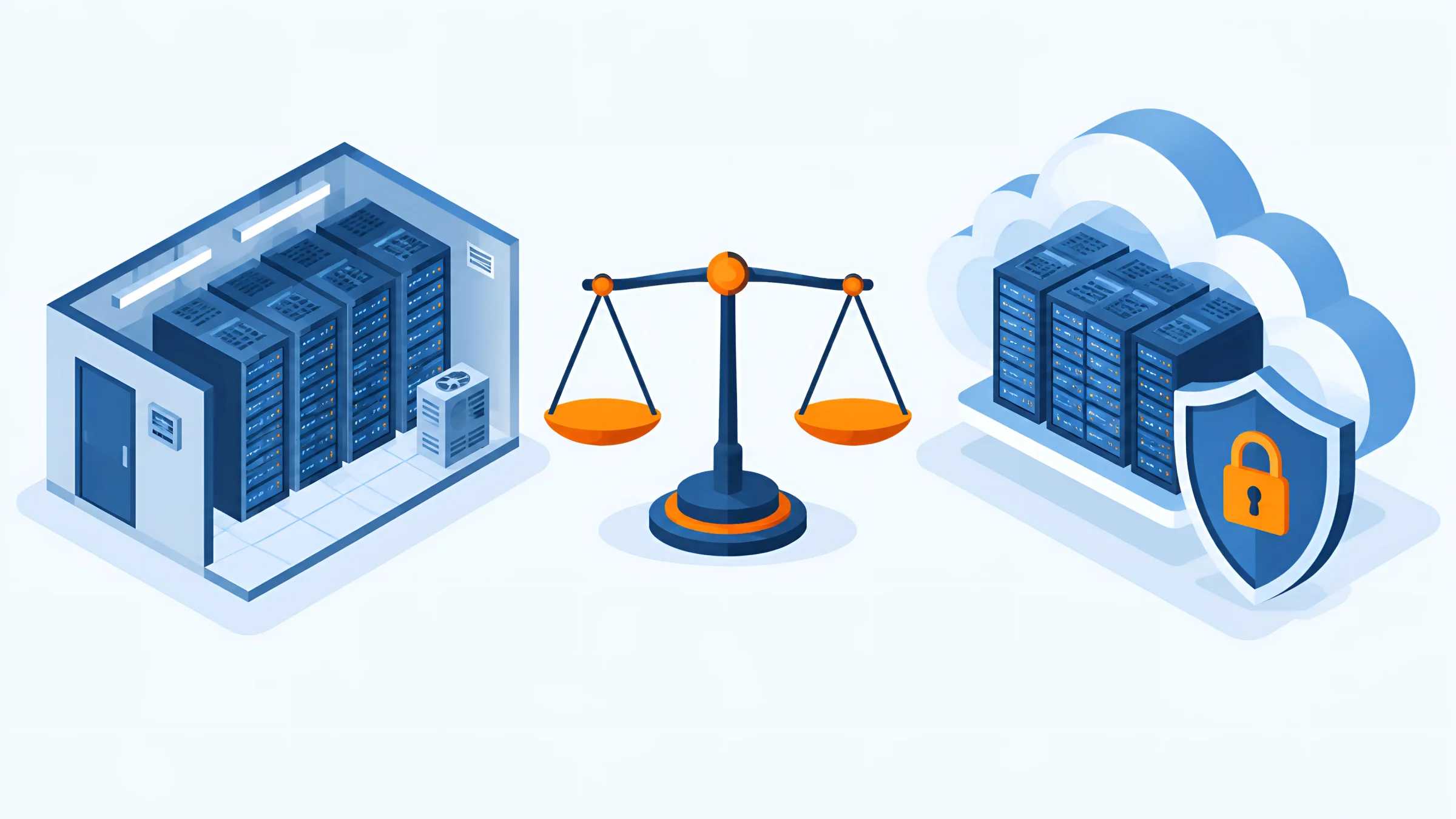
Which model is right depends on your IT. If you do not want to maintain your own server landscape, you are usually better off with the cloud. If you connect many local systems or have strict internal requirements, you will tend to opt for your own servers.
Our own cloud offering is called HEROcloud: ELO on our infrastructure in German data centres, with a Kubernetes architecture, monitoring and automatic backups. We also run ELO as VM hosting or support operation on your own servers.
Solutions
Ready-made specialist solutions for typical processes run on the ELO ECM Suite.

Incoming invoices, checking and approval in one process, including e-invoices.
Keep track of contracts with status, deadlines, follow-ups and approvals.
The digital personnel file with rights, deadlines and self-service.
Collect and share knowledge in the company and make it easy to find.
On top of that, there are further solutions such as ELO HR Recruiting, ELO Visitor, ELO Meeting, ELO Learning or ELO eRecords, as well as integrations with other systems. Almost any third-party system can be connected – via a standard integration from the vendor or a custom integration built for that specific system. With ELO for SAP ERP, you link documents to transactions in SAP, based on our SAP integration. With ELO for DATEV, you connect ELO to your accounting, and Microsoft 365, Microsoft Dynamics 365 and Salesforce can be connected too.
The big advantage: all solutions run on the same platform and use the same audit-proof archive. You can start with one area, such as incoming invoices, and later add contracts, personnel files or email archiving without introducing a new system. The ELO Business Solutions are the fastest way to get started.
Costs
These factors determine what you pay.
The price of ELO depends on several factors:
Licence costs are often the smaller part. How much the implementation costs depends above all on how many processes you want to map and how much legacy data you want to transfer. Overall ELO costs are therefore made up of licences or subscription, implementation, training and ongoing maintenance. For a concrete quote, it is best for us to look together at what you really need.
DOCSHERO® / ELO consulting
Which ELO is right for you?
Enter your website and find out in a short conversation which edition, which modules and which operating model suit your company.
We do not store your entry – the logo is loaded via Google.
GOOD TO KNOW
The official successor is ELOprofessional for Small Business, a cloud solution for 3, 5 or 10 users on subscription. It is intended for existing ELOoffice 11 customers based in Germany and is sold through authorised ELO Cloud Partners. Alternatively, you can switch to ELOprofessional.
Support ends on 31 December 2026. Sales were already discontinued in 2024; there are no more feature updates, only security updates until the end of support.
No. The last version was ELOoffice 11.02. “ELO 12” usually refers to ELO ECM Suite 12 from 2019.
The current version is ELO ECM Suite 25.0 LTS. Since ELO 21, feature releases have appeared over the course of the year, and every two years an LTS version with long-term support.
Both are editions of the ELO ECM Suite with the same functional core. ELOprofessional runs on Windows and on one host. ELOenterprise is platform-independent, multi-tenant, fully cluster-capable and distributes server processes across several hosts.
ELO is a digitalisation platform for documents, processes and information. It ranges from document management through enterprise content management and enterprise information management to AI-supported knowledge management.
The price of ELO depends on edition, number of users, modules, operating model and implementation effort. All operating models are also available on subscription.
With ELOoffice, the classic entry-level product has been discontinued. The official successor is aimed at companies based in Germany, and the ELO Cloud Business Edition at teams of five or more users.
Yes. For the switch to ELOprofessional for Small Business, there is a migration tool that transfers data from ELOoffice 11 including user rights. When switching to ELOprofessional, documents, metadata and permissions are transferred too.
Yes. ELO can be operated as software as a service by the manufacturer or by a Business Partner, as a managed service or on your own servers. Our own offering is HEROcloud in German data centres.
ELO originally stood for “Elektronischer Leitz Ordner” (electronic Leitz binder). The brand was created within the Louis Leitz group of companies; since 1998, ELO Digital Office has been an independent company based in Stuttgart.
Information as of: 3 November 2026. Product names, versions and dates may change – the current information from ELO Digital Office is authoritative. DOCSHERO® is a certified ELO Business Partner.