Scanner and scanning app
A document scanner with a feeder for incoming mail, an app for receipts on the go.
Introducing a paperless office: what it brings, which originals you still have to keep, how to start in 7 steps, what a good folder structure looks like, which software you need and what applies when working from home. With current figures and FAQ.
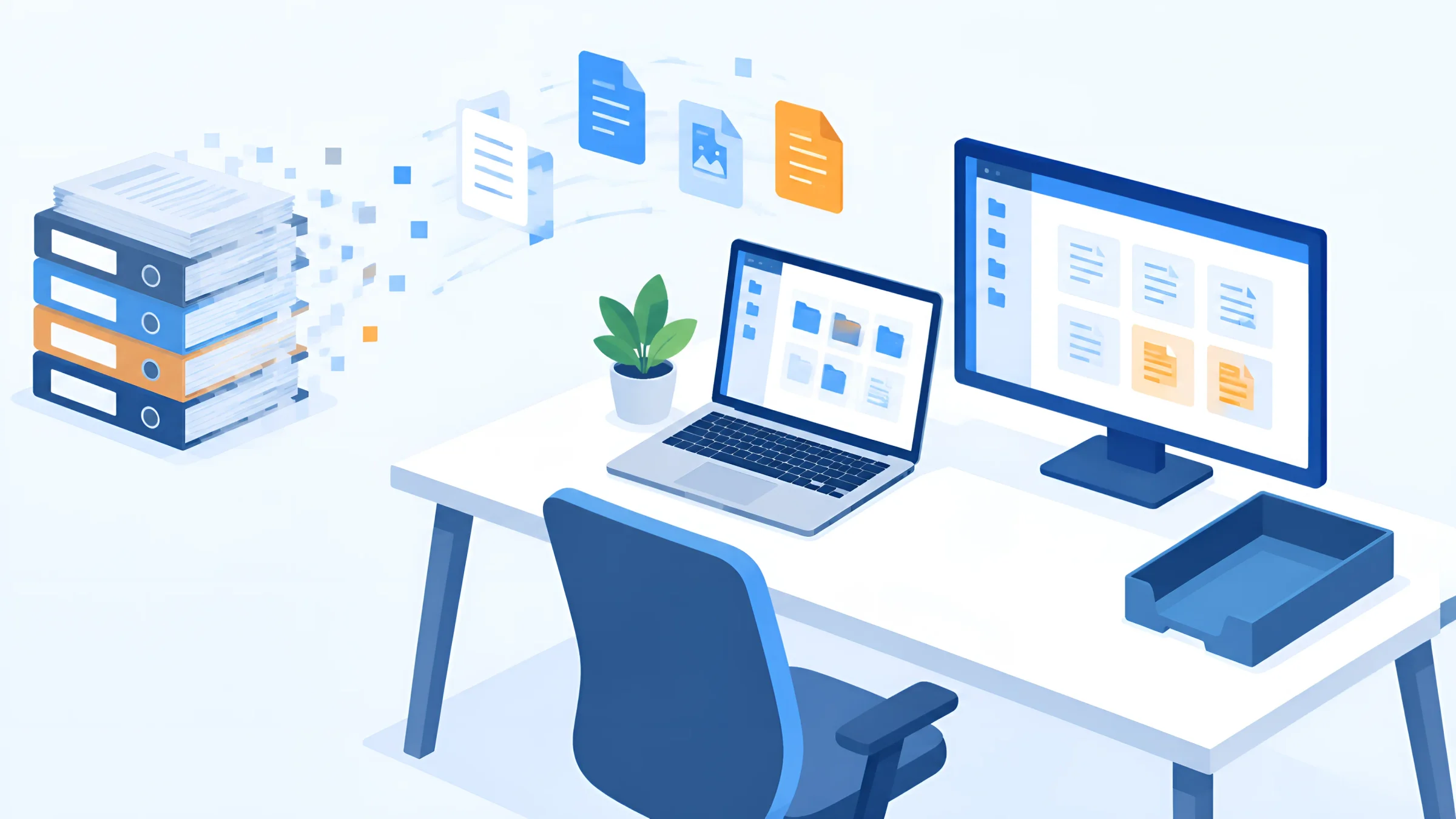
The paperless office has been promised for decades. And yet in most companies, file folders still stand on the shelves, invoices are printed out and contracts are sent by post. This is rarely down to the technology. It is because nobody has defined how documents will arrive in future, where they will end up, who will process them and which originals really have to be kept.
The good news: making the switch is easier today than ever before. Since 2025, invoices have increasingly arrived as e-invoices, signatures are done digitally, and AI sorts incoming documents automatically. If you have a plan now, you can largely get rid of paper within a few months.
In this guide you will learn what a paperless office is, what benefits it brings, which documents you still have to keep in the original, how to start in seven steps, what a good digital folder structure looks like, which software you need and what matters when working from home.
As DOCSHERO®, we have been supporting companies of every size and industry on their way from the filing cabinet to digital filing for more than 20 years.
Legal status and source review: 3 November 2026.
DOCSHERO® / Paperless check
How much paper is still hidden in your processes?
Enter your website and secure a no-obligation initial consultation. We take a look at your company in advance and show you where the paperless office will have the fastest impact for you.
We do not store your entry – the logo is loaded via Google.


Basics
A paperless office works with digital documents instead of paper – from receipt to archive.
In a paperless office, documents arrive digitally or are digitised immediately on receipt. They are processed, approved, signed and archived digitally. Printouts are the exception, not the rule. File folders, filing trays and suspension files disappear.
In practice, it is rarely possible to do entirely without paper. Authorities send notices by post, customers send contracts in the original, and some documents have to be kept on paper for legal reasons. According to Bitkom, only 2 % of companies can communicate with authorities exclusively digitally. The realistic goal is therefore the low-paper office: paper that arrives is scanned once and then only processed digitally.
How far Germany has come is shown by Bitkom’s Digital Office Index: 84 % use at least one application for enterprise content management. And 72 % of companies use less paper than five years ago. Yet it is precisely in HR and accounting that most of the file folders still stand.
15 %
of companies in Germany work completely paperless – in 2022 it was still 8 %. A further 24 % are now only about a quarter paper-based.
Source: Bitkom Digital Office Index 2024, more than 1,100 companies with 20 or more employees
Benefits
Less paper is only the most visible effect. The real gain lies in the processes.
Find things faster: full-text search and metadata instead of leafing through folders – for all authorised users at the same time.
Work from anywhere: home office, field staff and multiple locations access the same documents.
Faster processes: invoices, contracts and applications go digitally for approval instead of lying on desks.
More security: role-based permissions, logs and backups protect better than a lockable cabinet.
Compliance under control: retention and deletion periods are monitored automatically.
Lower costs: less printing, postage, archive space and time spent searching.
More sustainable: in Germany, 190 kg of paper and cardboard were consumed per capita in 2024.
There are also challenges, and you should know them: the introduction costs time and money, processes have to be rethought, and not everyone in the team is happy to change. Bitkom asked companies why they still print. 48 % cited keeping a backup copy, 42 % simply habit, 37 % work steps that require it.
This is exactly where it is decided whether the paperless office works. If you only buy a scanner, you end up with the same processes as before – just with PDFs instead of paper. If, on the other hand, you think of processes digitally, you no longer print because there is no reason to. Especially when it comes to backup copies, an archive that everyone trusts helps: if every document is unalterable, backed up and can be found in seconds, nobody needs the paper copy in the cabinet any more.
Law
You may destroy most records after scanning. For some, this does not apply.
| Document | Destroy after scanning? | Legal basis |
|---|---|---|
| Invoices, bank statements and other accounting records | Yes, if scanned in compliance with GoBD | § 147 Abs. 2 AO, GoBD |
| Commercial and business letters | Yes, if scanned in compliance with GoBD | § 147 Abs. 2 AO, § 257 Abs. 3 HGB |
| Annual financial statements and opening balance sheets | No, keep the original | § 147 Abs. 2 AO, § 257 Abs. 3 HGB |
| Certain customs documents (official certificates, handwritten proofs of preference) | No, keep the original | § 147 Abs. 2 AO |
| Notice of termination and termination agreement in employment | Keep the original (written form) | § 623 BGB |
| Other documents subject to statutory written form | Keep the original | § 126 BGB |
| E-invoices (XRechnung, ZUGFeRD) | No scan needed: the XML is the original | § 14b UStG, GoBD |
Retention periods: 10 years for books and annual financial statements, 8 years for accounting records, 6 years for business letters. Not legal or tax advice.
The German Fiscal Code (Abgabenordnung, AO) is more generous than many people think: with a few exceptions, all tax-relevant documents may be kept “as a reproduction on an image carrier or on other data carriers” (§ 147 Abs. 2 AO). The prerequisite is that the procedure complies with the principles of proper accounting and that the reproduction matches the original. After scanning, paper documents may be destroyed unless another regulation requires the original. Photos taken with a smartphone are also permitted if the procedure is right.
Be careful with documents that require a handwritten signature by law. A notice of termination or a termination agreement in an employment relationship requires written form; the electronic form is excluded. Here, the signed original is what counts. You should also keep notarial copies, certificates and insurance policies for evidentiary reasons.
With e-invoices, scanning is not needed at all: the XML file is the original and must be archived unchanged. A PDF printout does not replace it. If you receive, check and archive your incoming invoice digitally, you have already dealt with the biggest pile of paper in the office. When it comes to scanning itself, resolution, completeness and quality control are what matter: if you want to digitise documents, it is best to define these points in advance.
Implementation
With a clear roadmap, the paperless office becomes a project with an end, not an ongoing task.
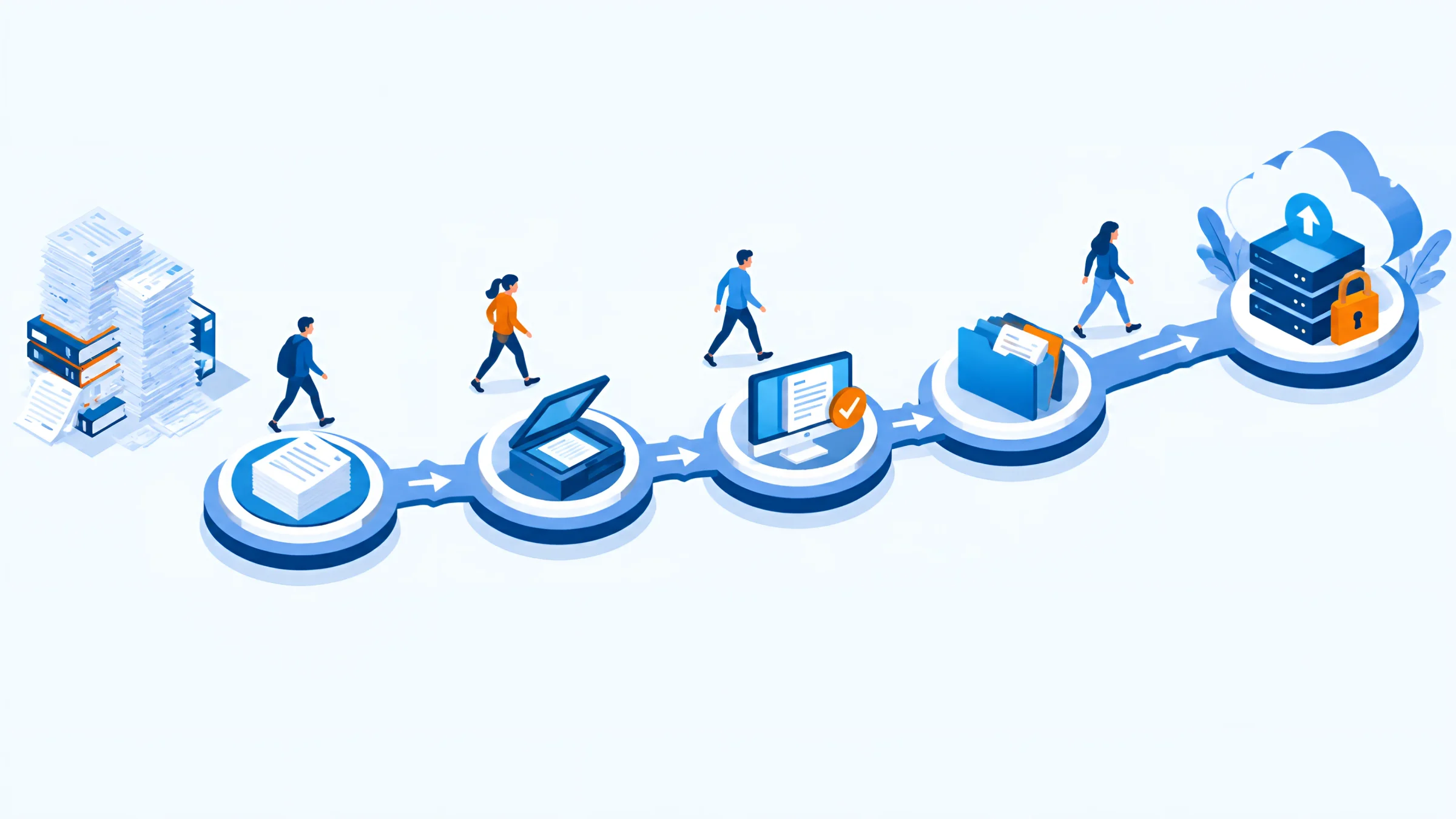
Where does paper come from? Which document types are there, how many, who processes them and where are they today?
Start with an area that has a lot of paper and clear processes – usually incoming invoices, contracts or HR.
Define how post, emails, e-invoices and uploads arrive in one place. Paper post is scanned on receipt.
Determine document types, metadata, permissions and retention periods – instead of a folder structure that everyone understands differently.
Approvals, checks and signatures run as a workflow with responsibilities, deputies and deadlines.
Record who scans what and when, how quality is checked and what happens to the originals.
Train everyone involved, collect feedback and decide which old files are scanned and which stay on paper until the end of their retention period.
The most important step is the one most often skipped: documenting the procedure. The GoBD (German principles for proper electronic bookkeeping) require scanning to be documented. The tax authorities recommend an organisational instruction for this, which governs who may capture documents, when they are captured, which documents are affected, how legibility and completeness are checked and how errors are logged. This instruction is part of your GoBD process documentation. If you want to follow a technical standard, you will find one in the BSI’s Technical Guideline TR-RESISCAN.
The order is just as important. Do not start with the legacy files. The basement full of folders is not going anywhere, and many of these documents will soon reach the end of their retention periods anyway. It is far more effective to digitise the ongoing incoming mail first. That way no new paper piles up, and the team gets used to the new processes.
Structure
The greatest danger in a paperless office is not data loss, but digital chaos.
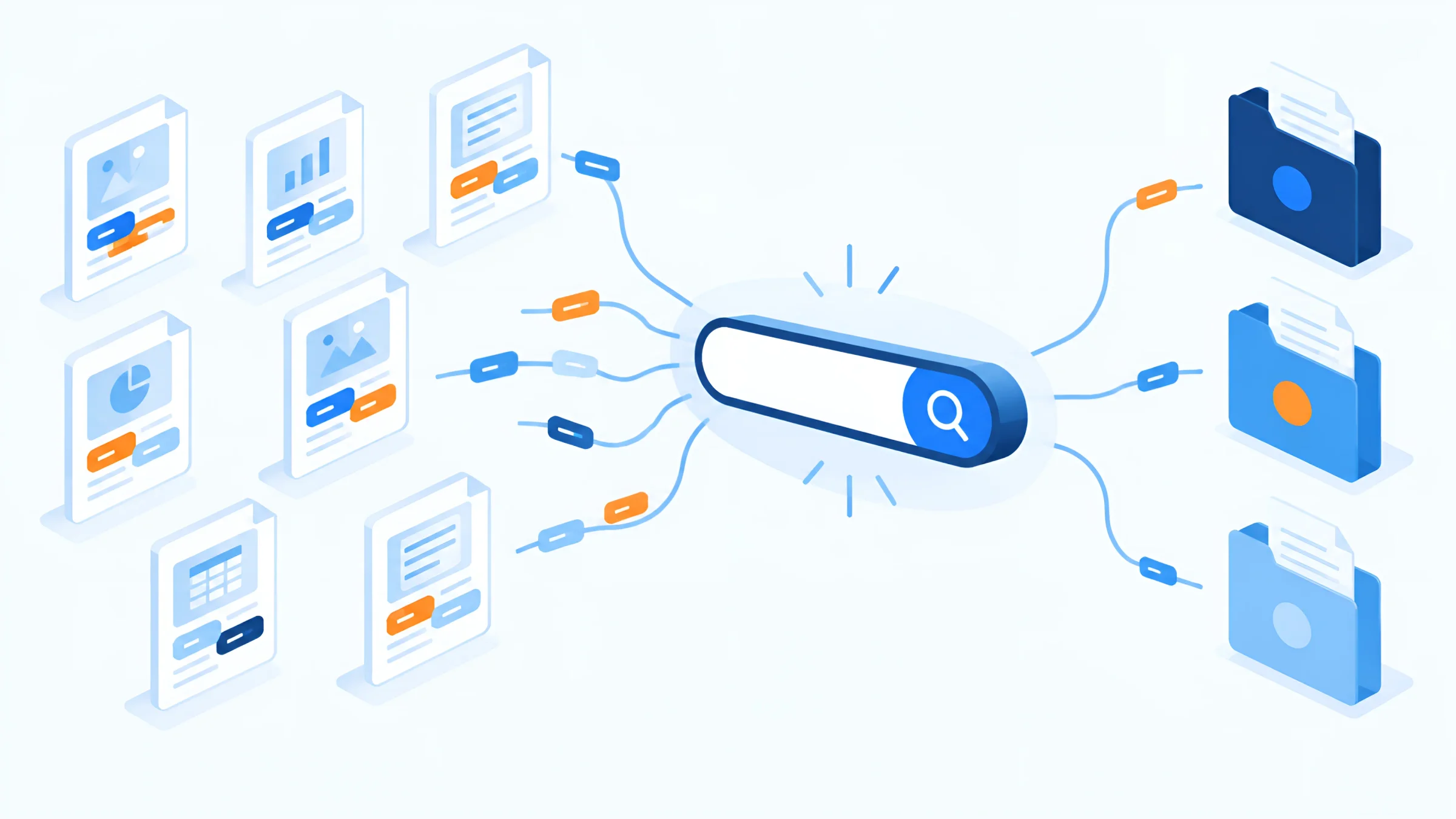
Many companies simply recreate their old file folders on the network drive. Everyone knows the result: folders within folders within folders, everyone files differently, files are called “Scan_0047.pdf”, and in the end you still have to search. A good folder structure for the paperless office therefore follows a few simple rules:
Even better than any folder structure is metadata. In a document management system, every document is given its document type, partner, date, amount or contract number when it is filed. Searches are then carried out not via paths, but via this metadata and the full text. A contract can appear in the customer file, in the project and in contract management at the same time without being saved three times. And because the system reads out metadata automatically on capture, nobody has to rename files any more.
Software
A scanner alone does not make a paperless office. These building blocks are part of it.
A document scanner with a feeder for incoming mail, an app for receipts on the go.
Central filing with metadata, full-text search, versions and role-based permissions.
Incoming documents are automatically recognised, read and routed to the right place.
Approvals, checks and follow-ups run digitally with responsibilities and deadlines.
Contracts and approvals are signed digitally instead of being printed out.
Unalterable filing with retention and deletion periods, including an email archive.
The heart of it is a document management system. It connects the individual building blocks: via the digital mailroom, paper, emails and e-invoices arrive in one place. HEROclassify recognises the document type and starts the appropriate process, and HEROextractor reads out the important data. Business emails end up in the archive automatically with HEROmaildepot, and you sign contracts with HEROsign via providers such as Adobe Sign, FP Sign, Skribble or MOXIS. Which signature is sufficient for what depends on the types of electronic signature.
For teams working from home or at several locations, access from anywhere is what counts. With ELO you work in the browser, in Microsoft Teams or in the app, and with collaboration and mobility you comment on and share documents directly. You can run the system on your own servers or in our HEROcloud from German data centres. A DMS comparison based on criteria such as archive, workflows, integration and operating model helps with the selection.
DOCSHERO® / Go paperless
Where is the best place for you to start?
Enter your website and find out in a short conversation which area is worth tackling first in your company – and how to make it paperless in just a few weeks.
We do not store your entry – the logo is loaded via Google.
Tips
This experience from many projects helps you avoid typical mistakes.
For HR, where according to Bitkom most of the file folders still stand, it is worth taking a separate look: certain payroll records must be kept electronically anyway. The discussion about the legal obligation to keep a digital personnel file from 2027 is therefore a good opportunity to digitise the entire file straight away.
At home
You can save a lot of paper at home too. But a few originals belong in the folder.
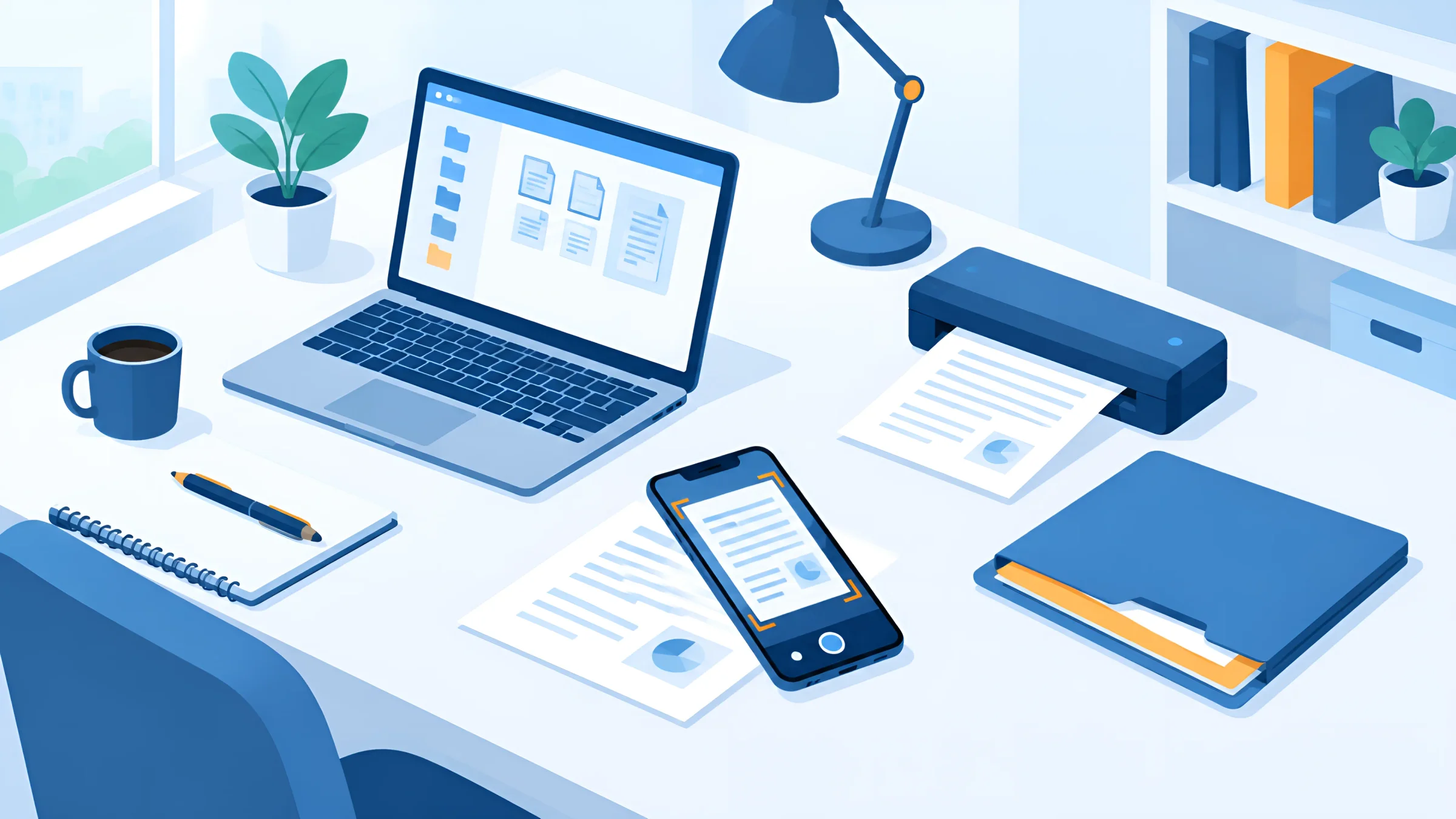
For private individuals, there are hardly any statutory retention obligations. Exceptions are invoices for tradespeople’s and other services relating to house and property, which you must keep for two years, and documents in the case of very high income from letting or capital assets (from 2027 more than 750,000 euros a year). For everything else: keep it for as long as you need to prove something, for example for your tax return, warranties or insurance.
You should keep documents in the original permanently if they prove identity and parentage or are difficult to replace: birth, marriage and parentage certificates, ID documents, certificates of inheritance, school and employment certificates, pension documents, land register extracts and purchase contracts for property. You can scan everything else.
The self-employed and freelancers count as entrepreneurs for tax purposes. The same rules apply to their records as to companies: invoices eight years, books and annual financial statements ten years, and they have had to be able to receive e-invoices since 2025 – a normal email inbox is sufficient for this. Knowing how to receive e-invoices and archive them correctly is therefore a must for small businesses too.
For filing at home, a simple structure by area of life is enough, for example housing, work, finances, insurance, health and vehicle, with subfolders by year. Scan with your smartphone or a small document scanner, save as PDF and back everything up on at least two media in different places.
GOOD TO KNOW
An office in which documents arrive digitally or are scanned on receipt and are then only processed, approved and archived digitally. In practice, a small remainder of paper usually stays, for example for originals subject to written form.
All receipt channels come together in one place, and paper is scanned on receipt. A document management system recognises the documents, files them with metadata, routes them to the people responsible via workflows and archives them in an audit-proof way.
Documents are found faster, processes run faster, the team can work from anywhere, permissions and retention periods are handled automatically, and costs for printing, postage and archive space fall.
The heart of it is a document management system with a digital mailroom, workflows and an audit-proof archive. In addition, you need a scanner or scanning app, a solution for electronic signatures and an email archive.
Start small, digitise ongoing incoming mail first, use a single filing system for everything, switch suppliers to digital invoices, sign digitally, use metadata instead of folder structures and store retention periods.
For most tax-relevant documents, yes, if scanning complies with the GoBD and is documented. You must keep annual financial statements, opening balance sheets, certain customs documents and documents subject to statutory written form in the original.
Flat with no more than three to four levels, organised consistently by topic or origin, with file names in the format date_partner_document type and without special characters. Even better is metadata in a DMS instead of deep folder trees.
According to the Bitkom Digital Office Index 2024, 15 % of companies in Germany work completely paperless, and a further 24 % are now only about a quarter paper-based.
With a simple structure by area of life, a scanning app or a small scanner and a backup on at least two media. You should keep certificates, school and employment certificates, ID documents and pension documents in the original.
That depends on the size of the company, the number of users, the areas and the operating model. In addition to software, there are costs for setup, training and, where applicable, scanning legacy files. These are offset by lower costs for printing, postage, archive space and time spent searching.
Yes, if permissions, encryption, logs and backups are implemented properly. An audit-proof archive protects documents better against loss and unauthorised access than a filing cabinet.
Legal status and source review: 3 November 2026. This article is not legal or tax advice – in individual cases, please involve your tax adviser.