MINIMUM
Header data only, such as invoice number and total amount. Not an e-invoice within the meaning of the law.
XRechnung or ZUGFeRD? Differences, profiles, versions, examples, Peppol and the Leitweg ID for public authorities explained simply – plus clear guidance on which e-invoice format suits your customers.
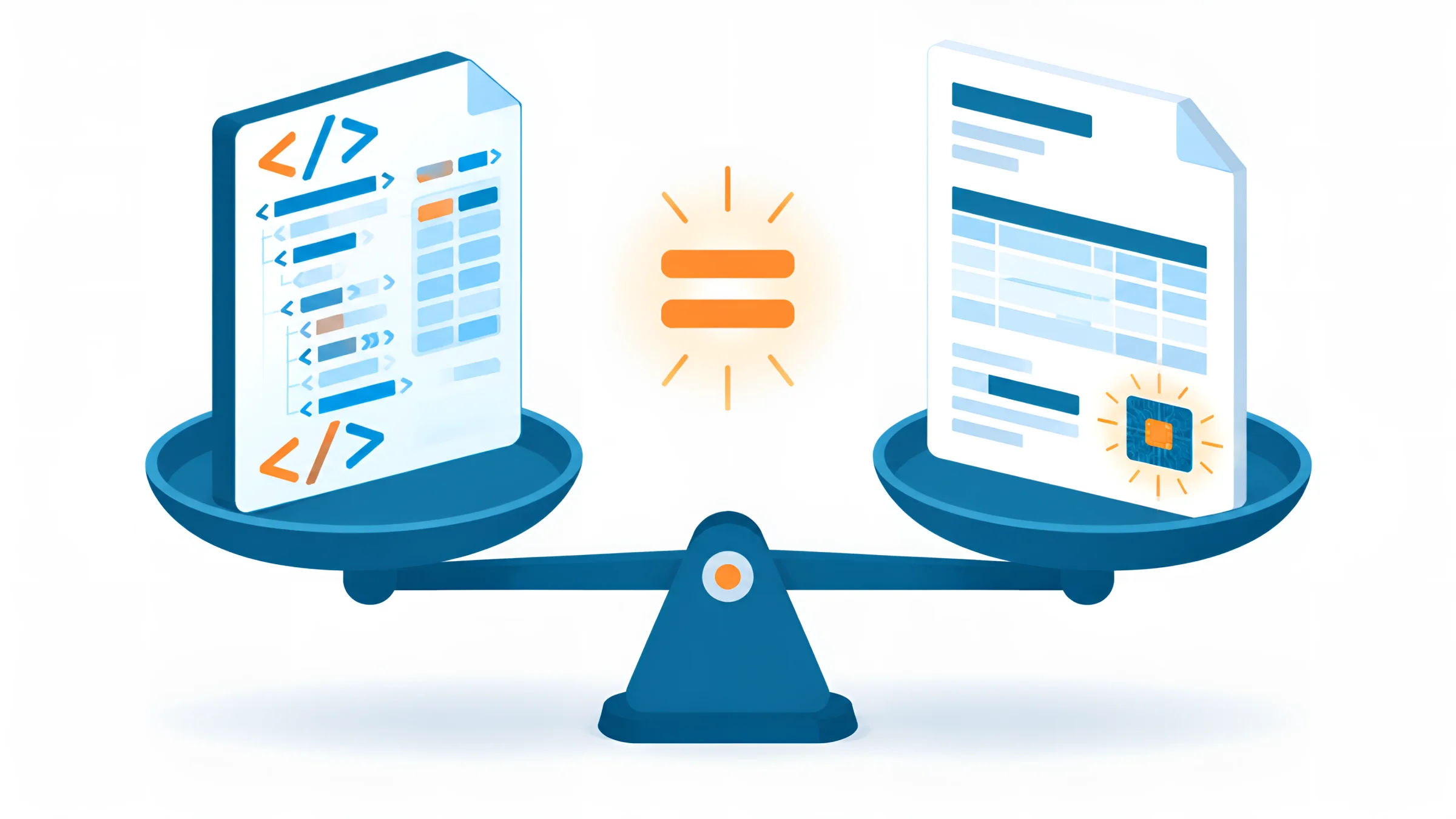
Your customer writes: “From January, e-invoices only, please.” Accounting asks: “XRechnung or ZUGFeRD?” And the software vendor says: “We can do both.” Unfortunately, that does not answer the question – it just postpones it.
In this guide, we answer it. You will learn what XRechnung and ZUGFeRD are, how they differ and which format you need for which customers. Plus: which ZUGFeRD profiles count as e-invoices, what an e-invoice looks like in an example, what Peppol and the Leitweg ID have to do with it and what to watch out for when creating, receiving and archiving.
As DOCSHERO®, we process both formats every day in our customers’ incoming invoice workflows – and we see where things get stuck in practice.
Legal status and source review: 29 October 2026.

DOCSHERO® / E-invoice formats
XRechnung, ZUGFeRD, PDF – can your incoming invoice processing read them all?
Enter your website and secure a no-obligation initial consultation. We take a look at your company in advance and show you how to receive, check and archive all formats automatically.
We do not store your entry – the logo is loaded via Google.


In short
Both formats meet the e-invoicing obligation. The difference lies in the packaging, not the content.
Since 2025, e-invoicing has been mandatory for B2B business in Germany, phased in until 2028. The law does not prescribe a specific format. It requires an invoice in a structured electronic format that complies with the European standard EN 16931. That is exactly what XRechnung and ZUGFeRD do. Which companies are affected from when is set out by the e-invoicing obligation in Germany and its transition periods.
The short decision guide:
What defines an e-invoice at its core is the same for both: a machine-readable data record with supplier, line items, tax and payment details. The difference is whether this data record comes on its own (XRechnung) or inside a PDF (ZUGFeRD).
XRechnung
XRechnung is the German standard for e-invoices to the public sector – and a pure data record.
XRechnung was developed by the German Coordination Office for IT Standards (KoSIT) on behalf of the federal and state governments. It is the German specification (a so-called CIUS) of EN 16931 and consists solely of an XML file. There is no visual representation, no logo, no layout – just structured data.
Technically, XRechnung comes in two syntaxes: UBL (Universal Business Language) and UN/CEFACT CII (Cross Industry Invoice). For you as a user, this hardly matters; your software just has to be able to read both. The current version is 3.0.2. A version 4.0 is in draft and is expected to become binding in 2027.
Where you need XRechnung: for invoices to public-sector clients. For federal authorities, it has been mandatory since 27 November 2020; the federal states and municipalities have their own rules with similar requirements. This almost always includes the Leitweg ID (routing ID for German public authorities): an identifier that specifies which authority and which office the invoice goes to. Without a Leitweg ID, an invoice to public authorities is usually not accepted. It is usually transmitted via the invoicing portals of the federal and state governments or via the Peppol network.
Advantages: maximally machine-readable, accepted by public authorities, small and unambiguous. Disadvantage: without a viewer or software, the recipient only sees code.
ZUGFeRD
ZUGFeRD combines two worlds: a PDF for people and a data record for software.
ZUGFeRD stands for “Zentraler User Guide des Forums elektronische Rechnung Deutschland” (Central User Guide of the German Electronic Invoice Forum) and is published by the Forum elektronische Rechnung Deutschland (FeRD), the German forum for electronic invoicing. A ZUGFeRD invoice is a PDF/A-3 document with an embedded XML file. Anyone who opens it sees a perfectly normal invoice with logo and layout. Anyone who processes it with software reads the data directly from the XML.
Since version 2.1, ZUGFeRD has been technically identical to the French Factur-X and can therefore also be used internationally. As things stand, version 2.5 is the latest, and further releases have been announced. Important: if the PDF view and the XML differ, the data record prevails. The PDF is only a reading aid.
What matters for the e-invoicing obligation is the profile. It determines how much data the XML contains:
Header data only, such as invoice number and total amount. Not an e-invoice within the meaning of the law.
Header data and tax breakdown, but no line items. Also not an e-invoice.
Additionally contains the invoice line items. Permitted for simple invoices.
Fully maps the European standard. The standard for most B2B invoices.
Additional fields for complex cases, for example in industry or construction services.
A ZUGFeRD profile that meets the XRechnung rules. Increasingly, but not yet universally, accepted by public authorities.
For most companies, the EN 16931 profile is the right choice. Check which profile your software generates. Many older programs still write MINIMUM or BASIC-WL – and therefore do not meet the obligation, even though it says “ZUGFeRD” on the label.
Comparison
The most important differences at a glance.
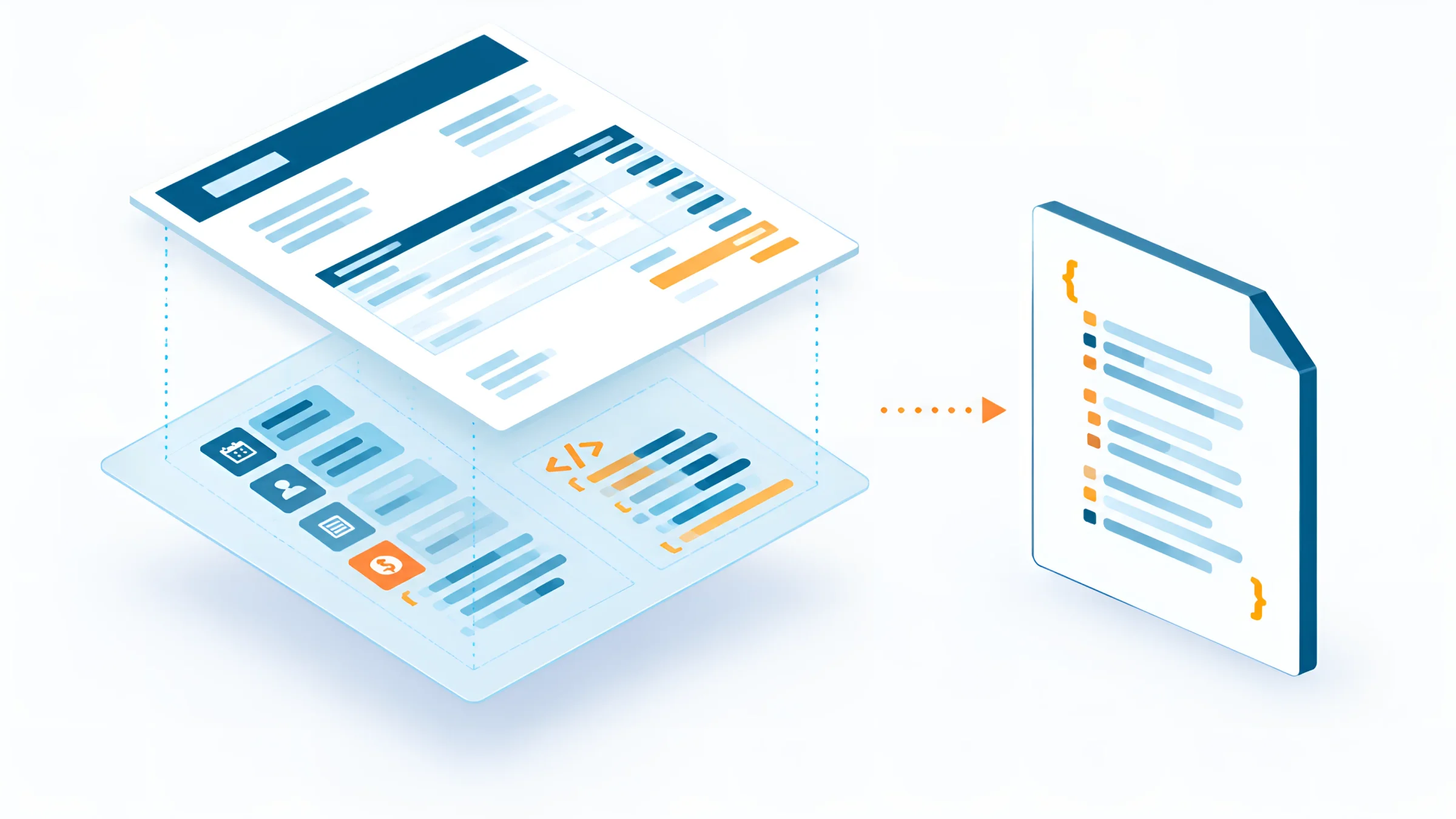
XRechnung: pure XML file. ZUGFeRD: PDF/A-3 with embedded XML.
XRechnung: only with a viewer or software. ZUGFeRD: with any PDF program.
XRechnung: invoices to public authorities (B2G). ZUGFeRD: invoices between companies (B2B).
XRechnung: KoSIT on behalf of the federal and state governments. ZUGFeRD: FeRD, together with France as Factur-X.
XRechnung: UBL or CII syntax. ZUGFeRD: profiles from MINIMUM to EXTENDED, four of which are permitted as e-invoices.
Both: original in structured format, eight years, unalterable. For ZUGFeRD, the complete PDF file with XML.
What both have in common is the data core: invoice number, date, supplier and customer, line items, tax rates, totals and payment terms are in the same structure. For good software, it therefore makes no difference whether an invoice arrives as XRechnung or ZUGFeRD – it reads both the same way.
The differences are more in the details: ZUGFeRD files are larger because of the embedded PDF, whereas XRechnung files are very small. And while an XRechnung always contains just one data record, with ZUGFeRD the PDF view can differ from the XML – for example, if software generates the visual representation differently from the data. In case of doubt, the XML always prevails.
EN 16931
is the common basis of both formats. XRechnung and ZUGFeRD carry the same data record – just packaged differently.
European standard for electronic invoicing, basis of the e-invoicing obligation under § 14 UStG (German VAT Act)
Decision
The right choice depends above all on who you invoice.
Use XRechnung with a Leitweg ID and check which portal or network the authority uses to accept invoices.
Use ZUGFeRD in the EN 16931 profile. Your customer can read the invoice, and their software can process the data.
ZUGFeRD is identical to Factur-X. For other countries and sending via Peppol, UBL is often required.
Ask. Many corporations have their own requirements or supplier portals, or use EDI and Peppol.
The best strategy is usually: ask your most important customers. Many companies have already sent out supplier letters specifying the format, profile and receiving address. Where there is no requirement, ZUGFeRD in the EN 16931 profile is a safe choice in B2B business.
And for incoming invoices: you have to take what comes. Anyone who wants to receive e-invoices therefore needs a solution that understands XRechnung in both syntaxes and ZUGFeRD in all permitted profiles – and that also processes the PDF and paper invoices that will keep arriving in parallel for a while.
Example
A look behind the scenes helps you understand the differences.
An XRechnung consists only of data. A heavily shortened excerpt in UBL syntax looks something like this:
<Invoice>
  <cbc:ID>RE-2026-0815</cbc:ID>
  <cbc:IssueDate>2026-11-03</cbc:IssueDate>
  <cac:AccountingSupplierParty>…Sample Ltd…</cac:AccountingSupplierParty>
  <cac:TaxTotal>
    <cbc:TaxAmount currencyID="EUR">190.00</cbc:TaxAmount>
  </cac:TaxTotal>
  <cac:LegalMonetaryTotal>
    <cbc:PayableAmount currencyID="EUR">1190.00</cbc:PayableAmount>
  </cac:LegalMonetaryTotal>
</Invoice>
Every piece of information has its fixed field. This means software knows, without text recognition, which values are the invoice number, date, tax and amount payable. For people, this is tedious without a viewer.
A ZUGFeRD invoice looks like any other PDF invoice when you open it: letterhead, address, line item table, totals, bank details. Only a look at the PDF’s attachments reveals the embedded file, usually “factur-x.xml” or “zugferd-invoice.xml”. It contains the same data as the XRechnung, just in CII syntax.
This very difference is why ZUGFeRD is so popular among small and medium-sized companies: nobody has to change their habits, but the software gets clean data.
DOCSHERO® / Format advice
Not sure which format your customers expect?
Enter your website and clarify in a short conversation which e-invoice formats you need for outgoing and incoming invoices – and how your software generates and processes them automatically.
We do not store your entry – the logo is loaded via Google.
Creating
Most companies do not need new software for this – but they do need the right settings.
Many ERP, inventory management and invoicing programs can already generate XRechnung and ZUGFeRD. Often it is just a question of the version and the settings. Check these points:
If you work with SAP, you can generate XRechnung and ZUGFeRD directly from the system and store outgoing invoices in an audit-proof way. With SAP e-invoicing, document, posting and archive stay linked.
Checking
Whether you create or receive an e-invoice: reading and checking are part of it.
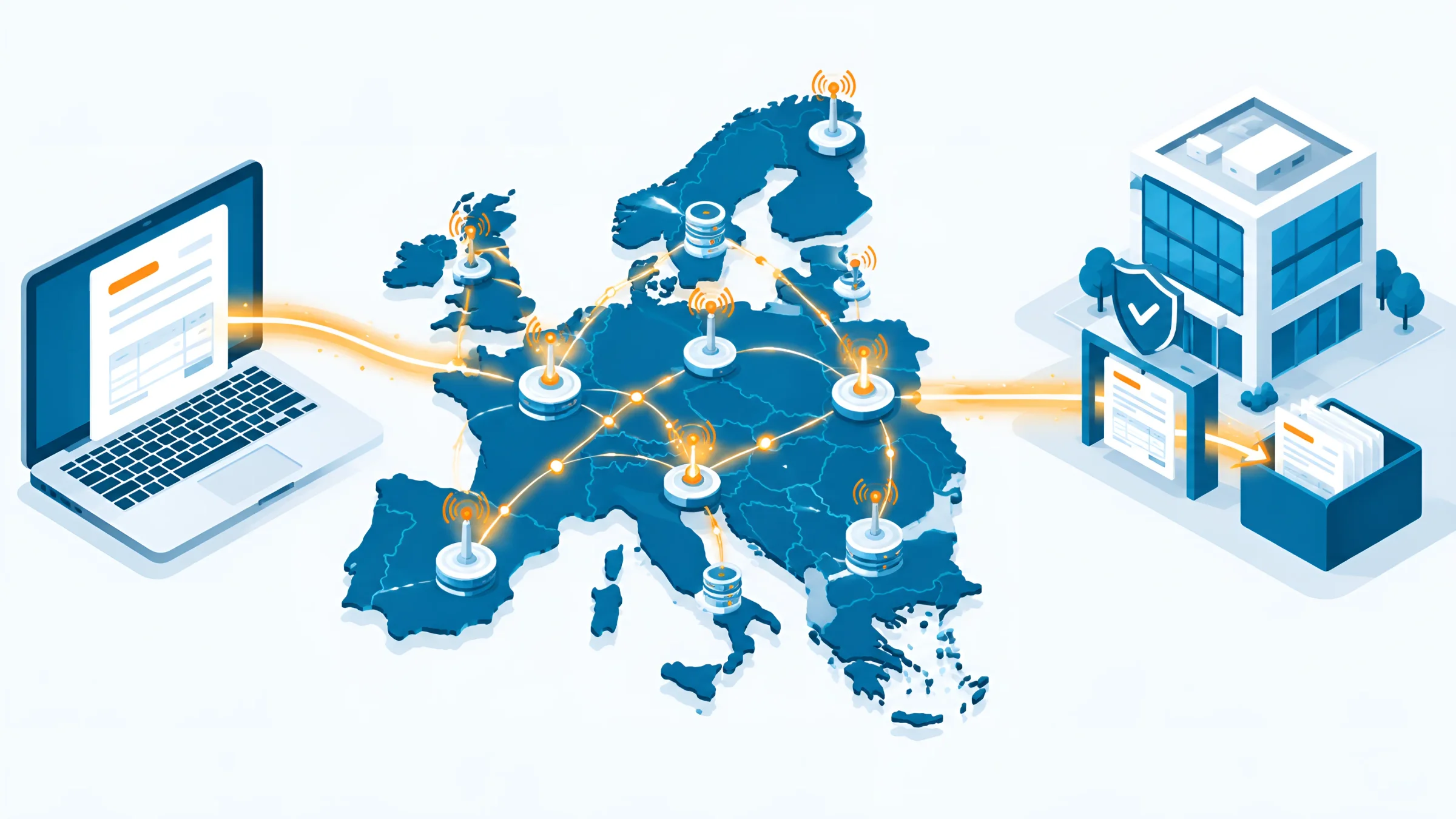
To open ZUGFeRD, a PDF program is enough. For XRechnung, you need an XRechnung viewer, accounting software or an incoming invoice system that displays the XML file as a readable invoice.
For checking, there are validators. KoSIT provides an official validation tool for XRechnung; for ZUGFeRD, there are dedicated validators that check the profile and rules. A validator reports two kinds of errors: the file is technically broken (syntax), or it violates rules of the standard (business rules). Important: a violation of a business rule does not automatically make an invoice invalid. What matters are the mandatory VAT details.
In incoming invoice processing, this check should run automatically. A digital mailroom recognises the format, validates the file and passes it on to the approval workflow. For invoices that still arrive as a simple PDF or on paper, automated invoice processing takes over the extraction. This way, every invoice verification follows the same rules, regardless of the format in which the invoice arrives.
Peppol
XRechnung and ZUGFeRD are formats. Peppol is a way to send them.
Peppol (Pan-European Public Procurement Online) is a European network for the secure exchange of electronic business documents. Companies connect via a certified access point and can then be reached via a Peppol ID – similar to a phone number. The Peppol directory lets you look up who can be reached via the network.
Peppol is mainly used to send invoices in UBL format, i.e. in the syntax that XRechnung also uses. The federal government and many federal states accept invoices via Peppol. In B2B business, Peppol is voluntary in Germany, but in other countries such as Belgium it is already the standard for e-invoicing.
For you, this means: Peppol pays off if you exchange many invoices with public authorities or international customers. For most small and medium-sized companies, sending by email is sufficient for domestic business for now. However, with the EU package ViDA, which will mandate cross-border e-invoices from July 2030, the topic is becoming more important.
In practice
In everyday business, XRechnung, ZUGFeRD, PDF and paper arrive at the same time. What matters is that they all take the same path.
In most companies, incoming invoices in 2026 are a colourful mix: a wholesaler sends ZUGFeRD, an energy supplier sends XRechnung, the local tradesperson still sends a PDF and the law firm a letter. Building a separate path for each format doubles the work.
A shared workflow is better. Automatic document classification first recognises whether a document is an invoice at all – or a payment reminder, credit note or order confirmation. For XRechnung and ZUGFeRD, the data is taken directly from the XML; for PDF and paper, AI extracts it. After that, the format no longer matters: every incoming invoice is matched against the purchase order and delivery note and sent for approval via a workflow.
A simple calculation shows how much this achieves: if 60 percent of invoices arrive as e-invoices and the rest is extracted by AI, hardly anyone has to type in data any more. The team only takes care of discrepancies. How an e-invoicing process for 2027 is structured in concrete terms can be transferred step by step to any company.
The basis for this is a platform that connects incoming invoices, workflow and archive. At DOCSHERO®, we rely on ELO document management with AI document processing. If you still have paper in-house, you can digitise documents at the same time and bring everything together in one system. For tax audits, you record the process in GoBD process documentation, and the archiving of electronic invoices runs automatically in the background.
Implementation
This is how you set up outgoing and incoming invoices properly for both formats.
Who is a public authority, who is a company, who is abroad? Which customers have already sent requirements for format and receiving address?
Can your system generate and read XRechnung (UBL and CII) and ZUGFeRD in the EN 16931 profile? Which version is installed?
Store Leitweg IDs for public authorities, purchase order numbers, receiving addresses and profiles per customer.
Receive all formats via one channel, validate them automatically, extract the data and pass it to the approval workflow.
Store original files in an audit-proof way and describe the process in the process documentation.
When archiving, the same rule applies to both formats: the original in structured format is kept unchanged for eight years. For XRechnung, that is the XML file; for ZUGFeRD, the complete PDF file with embedded XML. The exact retention periods and audit-proof archiving in line with the GoBD (German principles for the proper keeping of electronic records) are therefore part of every e-invoicing project.
If you work with DATEV, ELO is the right complement for documents and archive: DATEV has discontinued its DMS Classic and recommends ELO as a DMS for DATEV. At DOCSHERO®, we set up incoming and outgoing invoices so that both formats run in the same process – on request in our HEROcloud from German data centres. The free e-invoicing check shows you how well prepared you already are today.
GOOD TO KNOW
XRechnung is a pure XML file without a visual representation; ZUGFeRD is a PDF/A-3 with embedded XML. Both are based on the EN 16931 standard and count as full-fledged e-invoices. XRechnung is mainly used with public authorities, ZUGFeRD mainly between companies.
Yes, from version 2.0.1 and in the BASIC, EN 16931, EXTENDED or XRECHNUNG profiles. The MINIMUM and BASIC-WL profiles do not meet the requirements.
Neither is legally better. For public authorities, you usually need XRechnung; for business customers, ZUGFeRD is often more convenient because it can be read without special software. The best approach is to ask your most important customers about their requirements.
Since both formats map the same standard, the data can be transferred with suitable software. It is cleaner to generate both formats directly from your invoicing software instead of converting files afterwards.
ZUGFeRD can be read by people like a normal PDF invoice and can be evaluated by machines at the same time. It is identical to the French Factur-X and can therefore also be used internationally.
Mainly companies that invoice public-sector clients. Federal authorities have required it since November 2020; federal states and municipalities have their own, similar requirements. In B2B business, it is one of several permitted options.
The Leitweg ID is a routing identifier for invoices to public-sector clients in Germany. It specifies which authority and office the XRechnung should go to. Without it, an invoice to public authorities is usually not accepted.
Peppol is a European network for the secure exchange of e-invoices and other business documents. Participants can be reached via a Peppol ID. In Germany, it is voluntary in B2B business; the federal government and many federal states accept invoices through it.
As things stand, version 3.0.2 of XRechnung is valid, and a version 4.0 is in draft. For ZUGFeRD, 2.5 is the latest version. ZUGFeRD is permitted as an e-invoice from version 2.0.1.
With a validator. For XRechnung, KoSIT provides an official validation tool; for ZUGFeRD, there are dedicated validators. You should also check the mandatory VAT details.
Legal status and source review: 29 October 2026. Version information changes regularly; before switching over, check the current version with KoSIT and FeRD. This article does not constitute legal or tax advice.